FortiClient Remote Login
Print
Created by: Torrian Johnson
Modified on: Wed, 7 Sep, 2022 at 1:35 PM
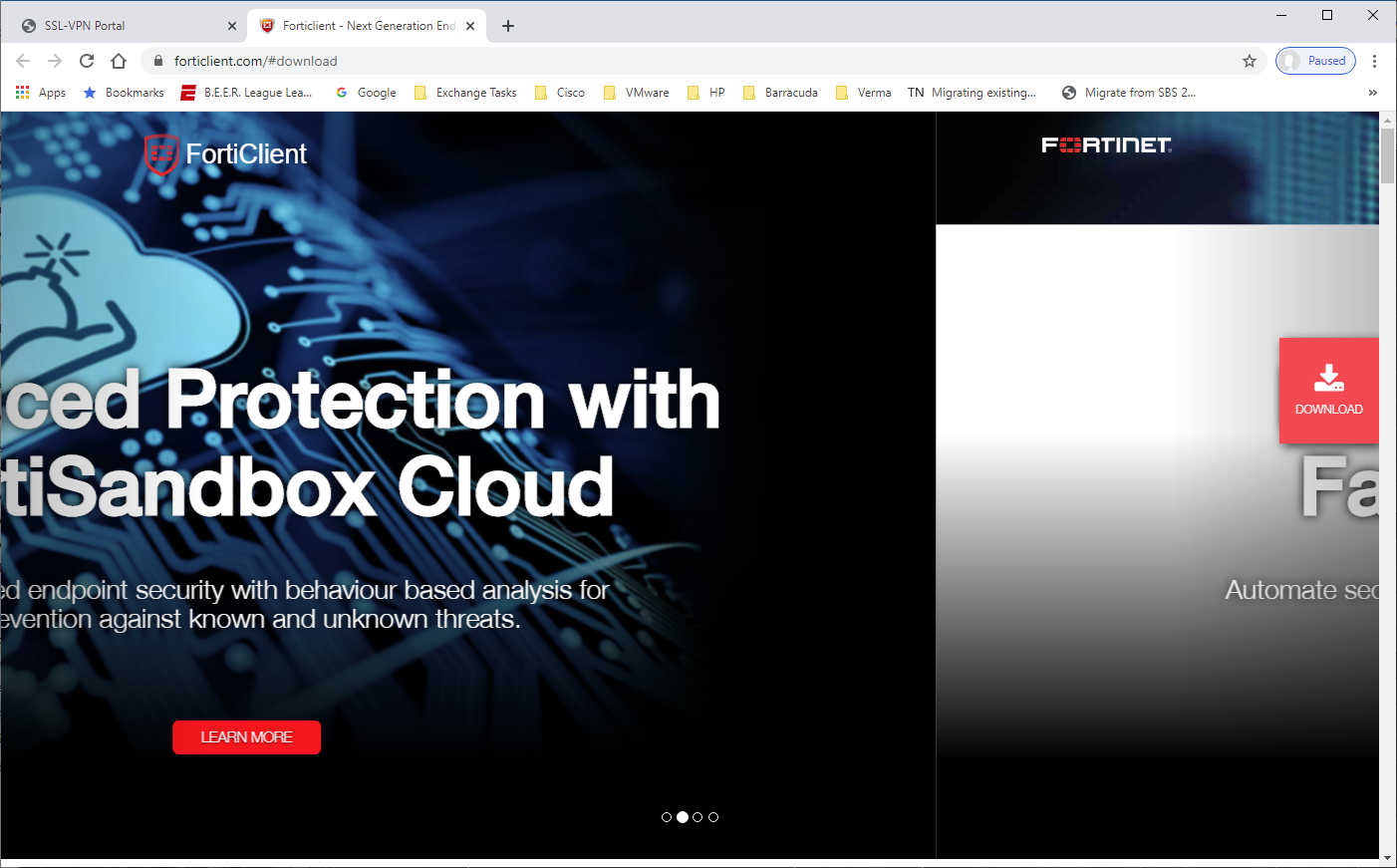
- This will take you to FortiNet’s website, the Download will appear to the right.
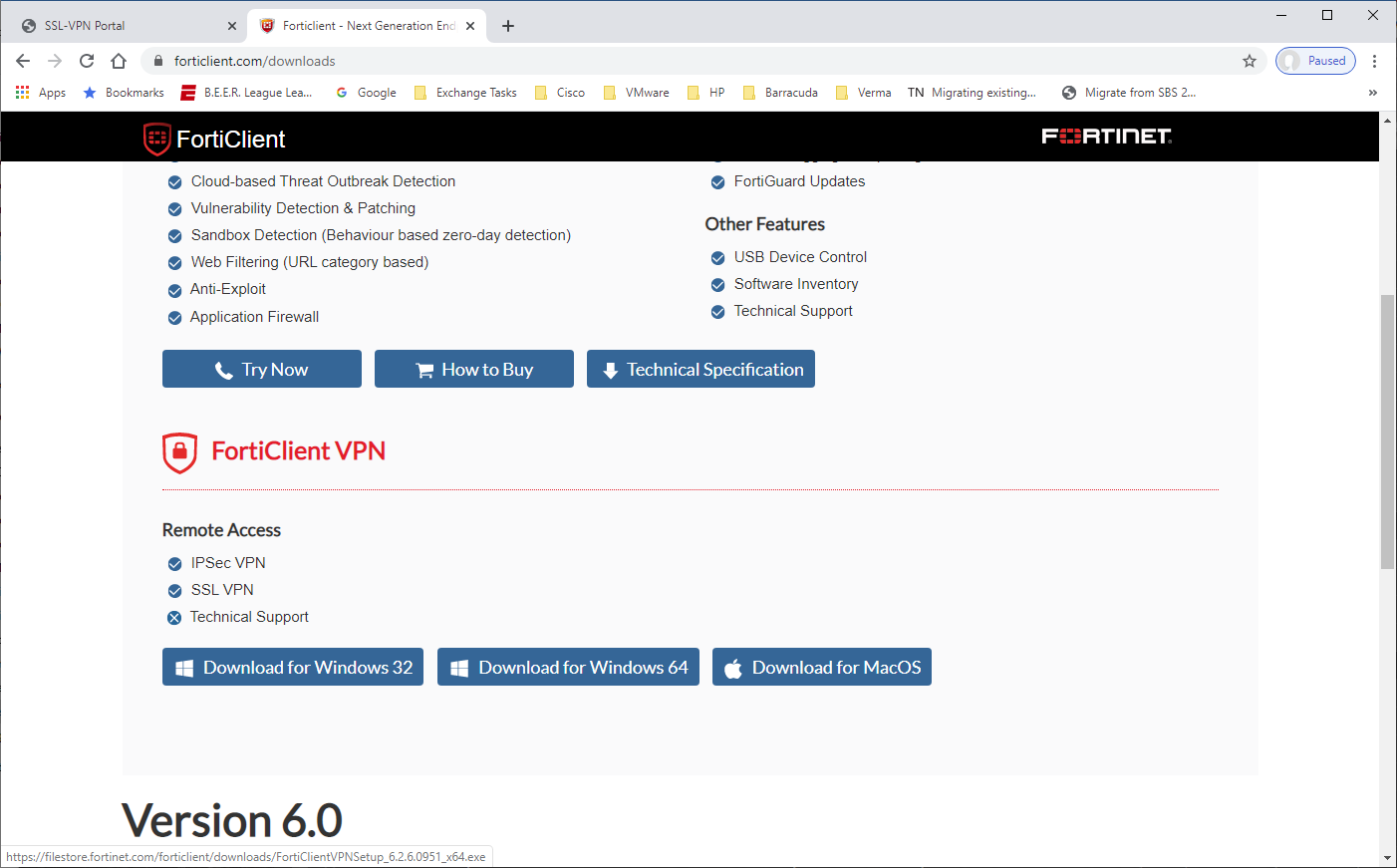
- Scroll down on the download page to get to the FortiClient VPN link and download the version for your computer (probably Windows 64)
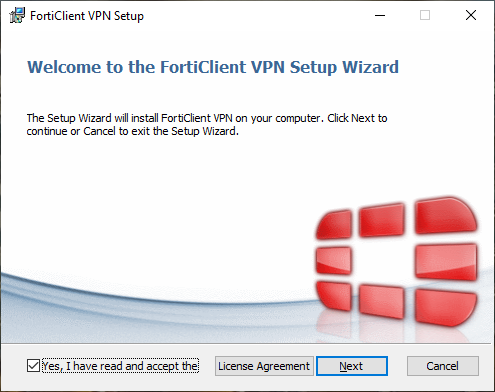
- Install the software when it’s finished downloading.
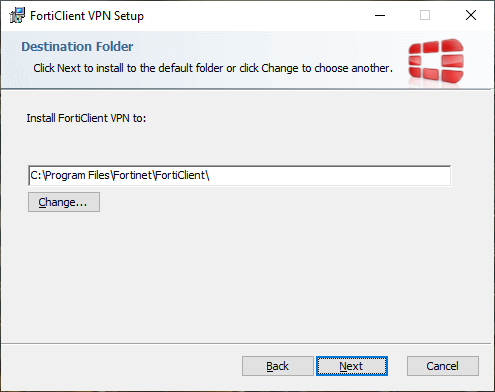
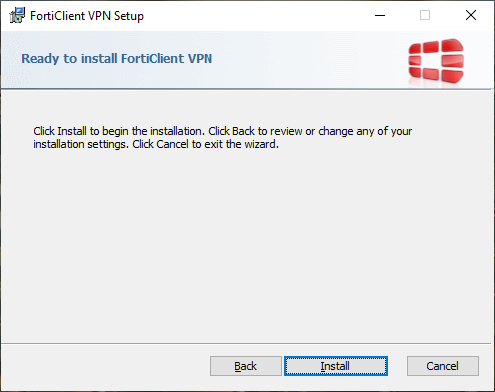
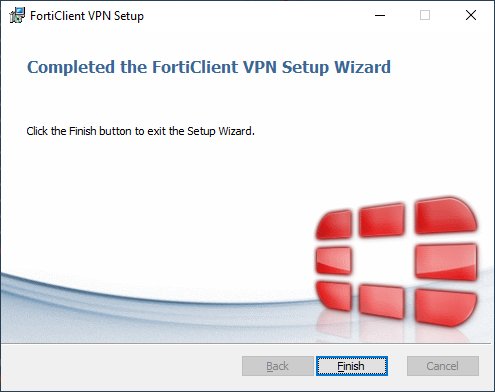
- After it is finished, you should have an icon on your desktop like this:
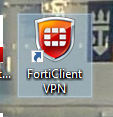
- Launch the client, click the “I acknowledge…” box and click “I accept” button.
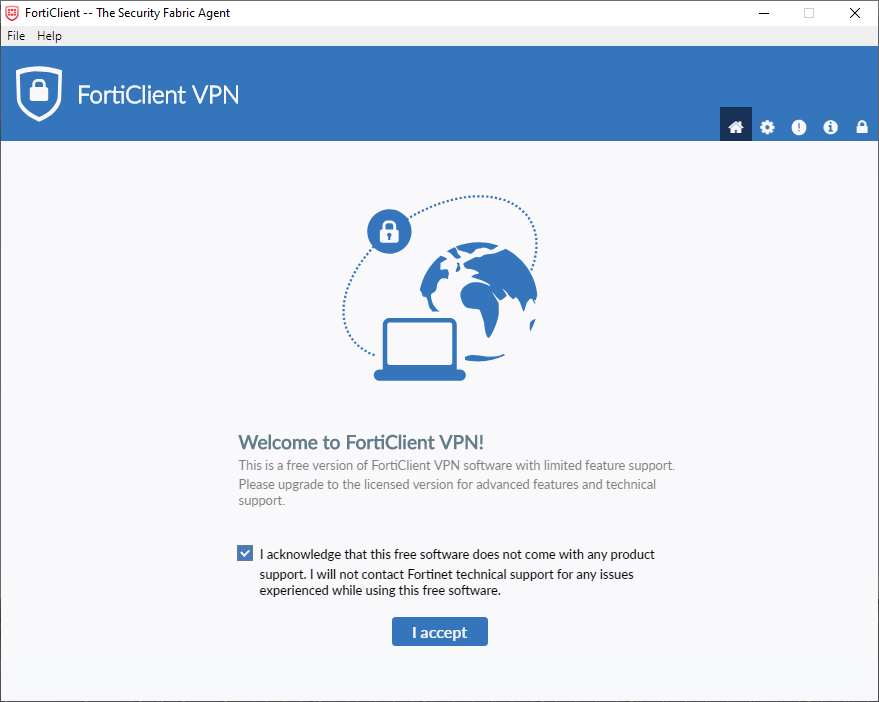
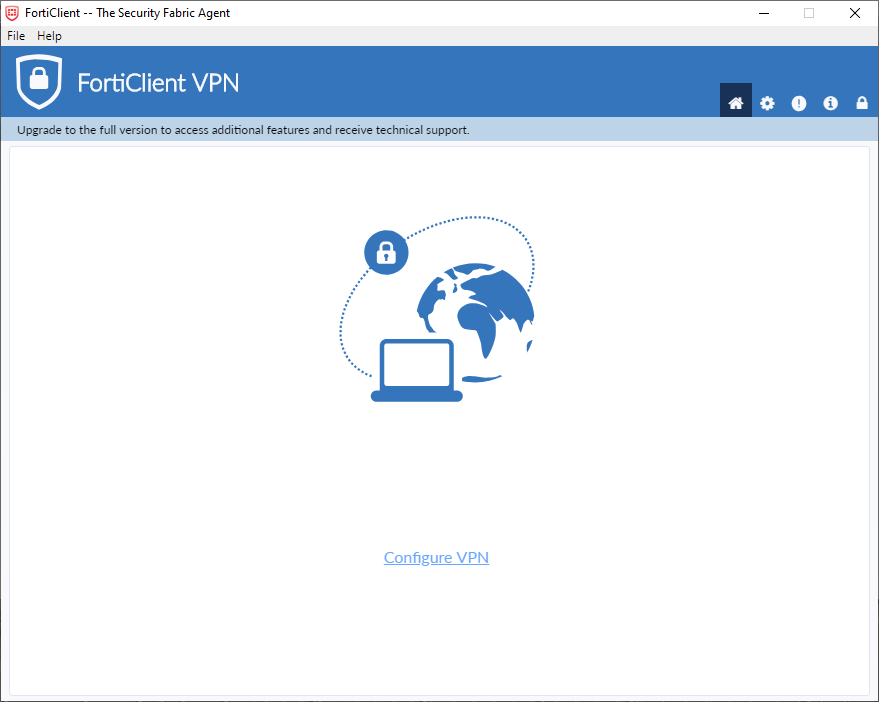
- Click the Configure VPN link
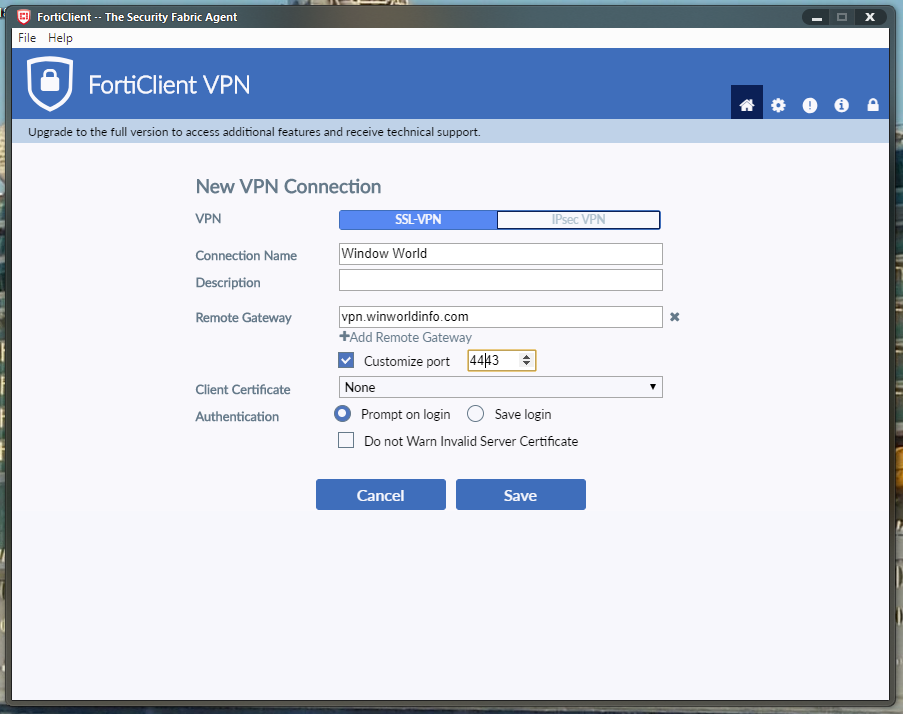
- Fill out the information as shown and click Save:
- Now all you will have to do in the future is type in your username and password and click the Connect button:
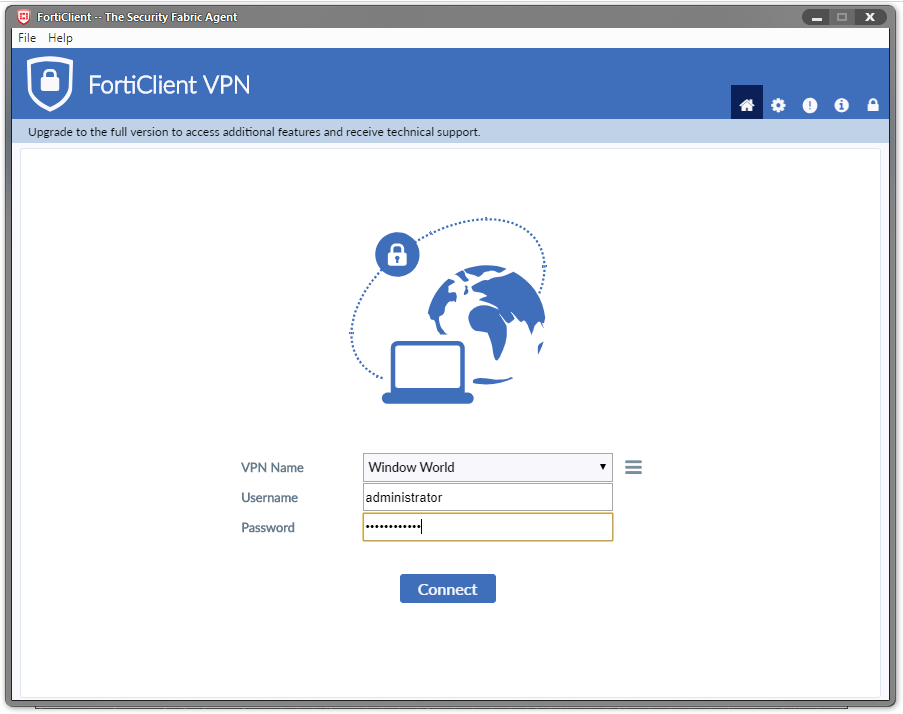
- Once it connects, you can connect to network resources as you would normally.
Torrian is the author of this solution article.
Did you find it helpful?
Yes
No
Send feedback Sorry we couldn't be helpful. Help us improve this article with your feedback.
