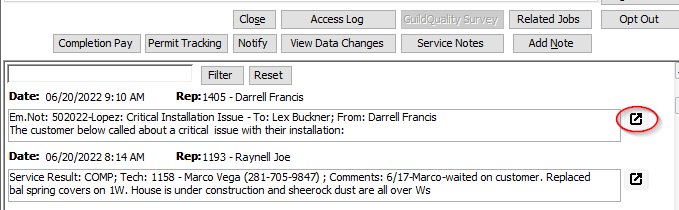
1. Pull up the customer in Leads by their ID, scroll to the service note associated with the notification that you need to re-send, and click the small button to the right of it to see it in expanded form:
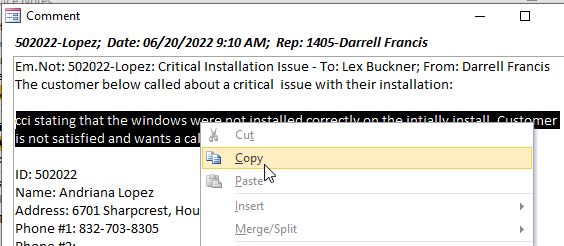
2. Select and copy the message that you entered for the notification:
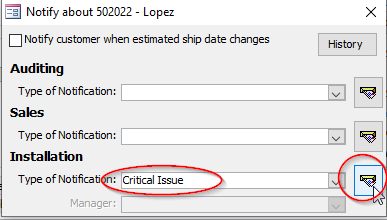
3. Close the Comment window, click the Notify button, select the Type of Notification, and click the button to the right:
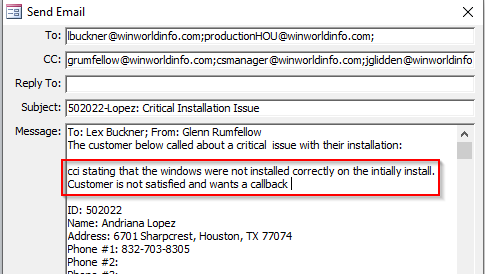
4. Paste the text in the appropriate place in the notification and click Send: