
After you have received an email from Verma with your Fortitoken Key
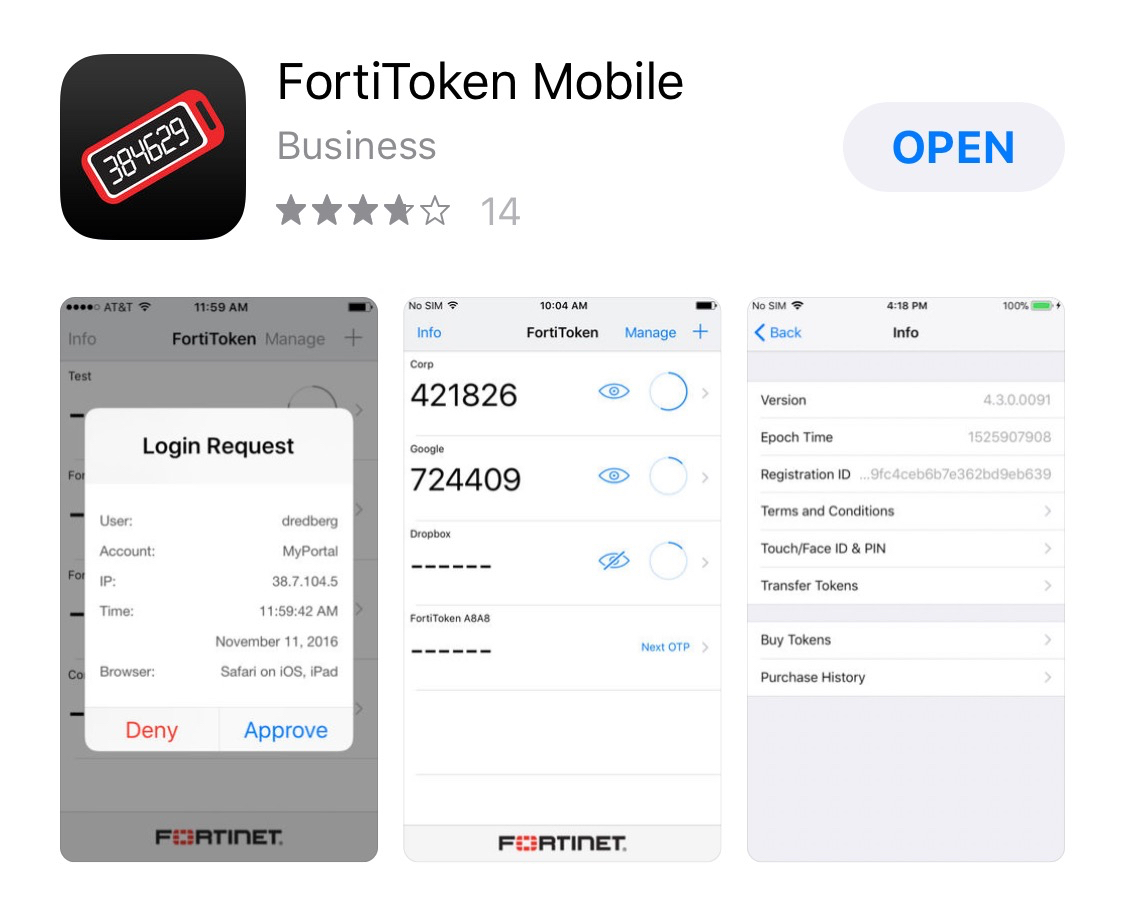
- Download Fortitoken Mobile
- Open the email from Verma with the QR code
- Open the FortiToken Mobile app and click the "+" at the top right of the screen
- Take a picture of the QR code in the email
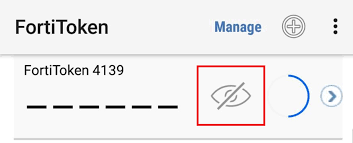
- This add a 6 digit code to the main screen in the FortiToken app.
- If you dont see the code click the eye to display it
- Now you should be able to log into FortiClient VPN using your windows login (Ex. Username: JDoe)