If your share drives are missing do the following:
- Make sure your computer is connected to the internet.
- You should see the following symbol in the bottom right corner of your main screen

- Then either restart your computer or you don't want to restart do the following;
- copy the following path \\dc2\NETLOGON\logon.bat
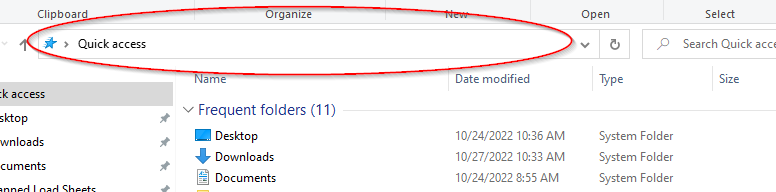
- Open file explorer

- Click the path bar, paste the path, and press enter