This link will contain all solutions for setting up the Yi Cameras
https://www2.yitechnology.com/support/answer/id/17/tid/0/qid/1/oid/h1
Download the Yi Home app
Log into the app
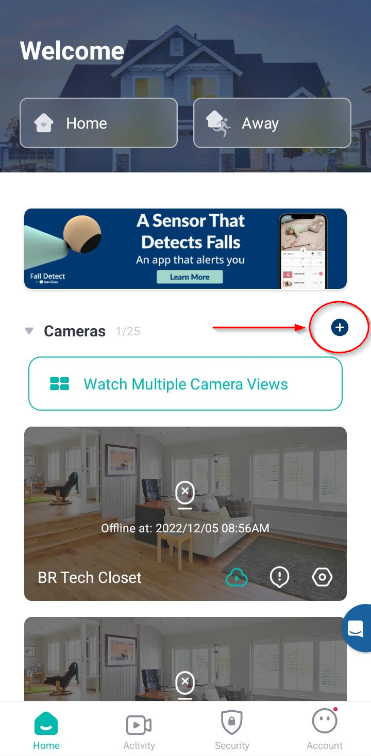
Press the plus button on the right after logging in
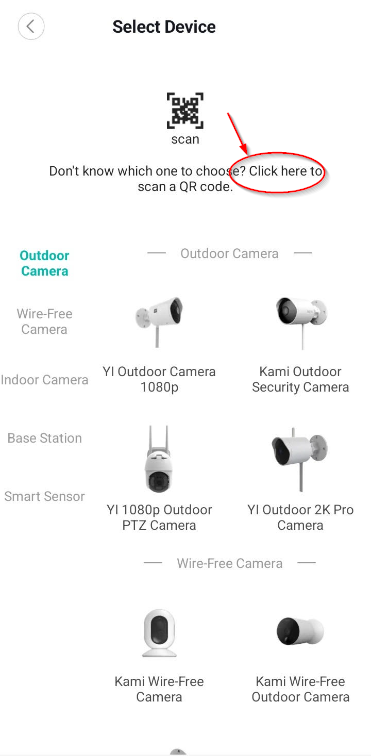
Click the click here text at the top
Plug the power into the camera. Once the led comes on scan the QR code on the back of the camera.
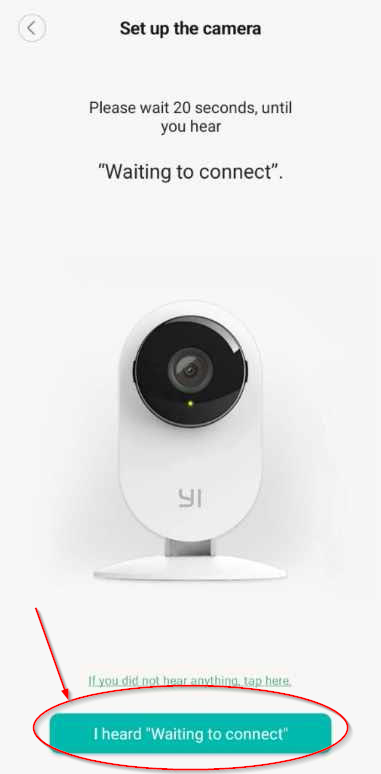
Wait for the camera to say "Waiting to connect" then press the button at the bottom.
Using the Yi camera scan the QR code show on your phone. Once the camera says "QR code scan is successful", press next.
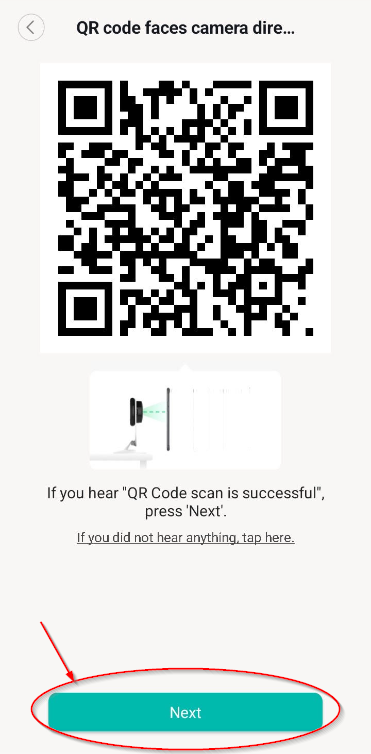
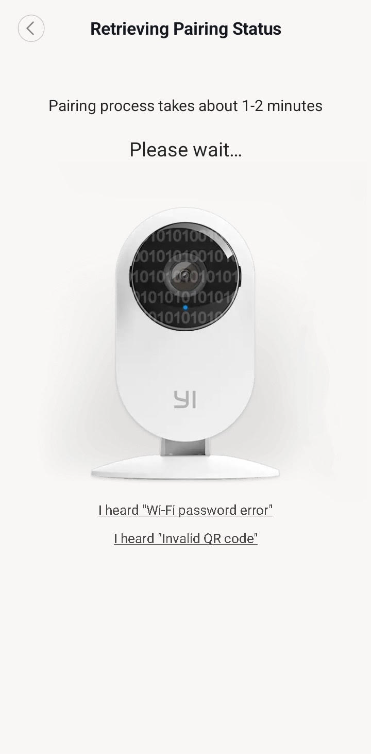
The next screen should look like the following. Wait for the camera to pair then it should go to the Wifi Setup screen.
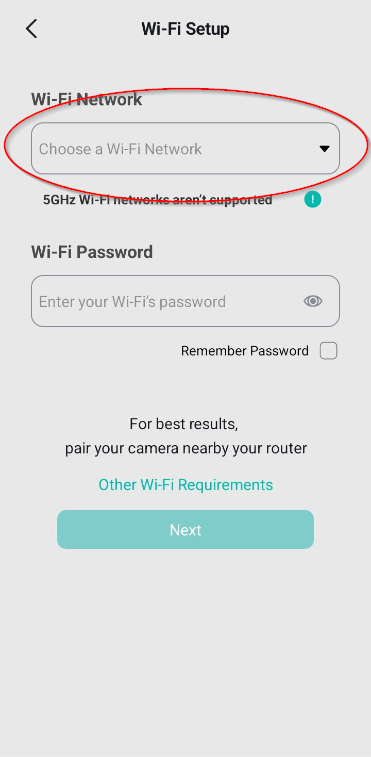
Click the Wi-Fi Network drop down.
Select the WindowWorld wifi network.
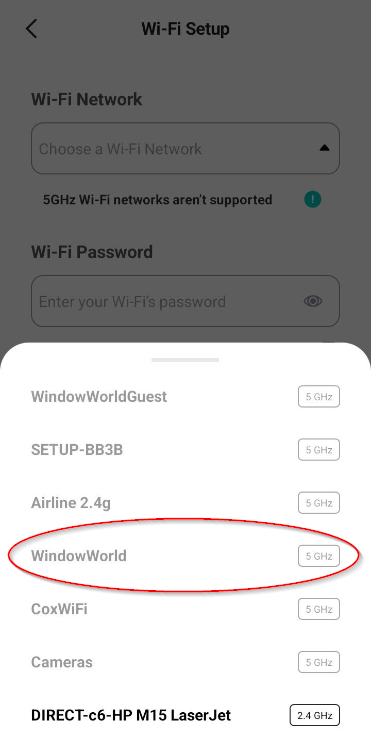
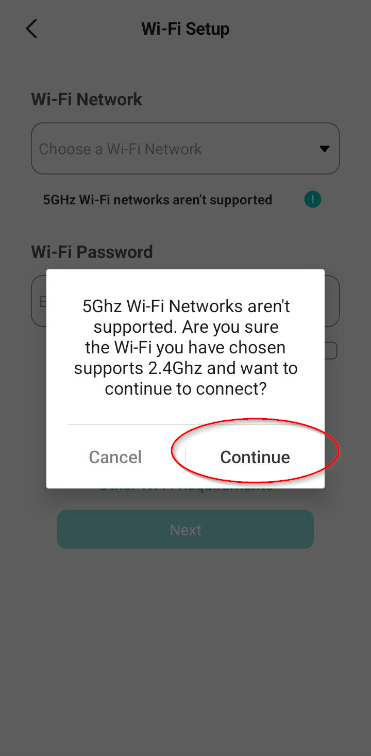
Click continue after getting the 5Ghz warning.
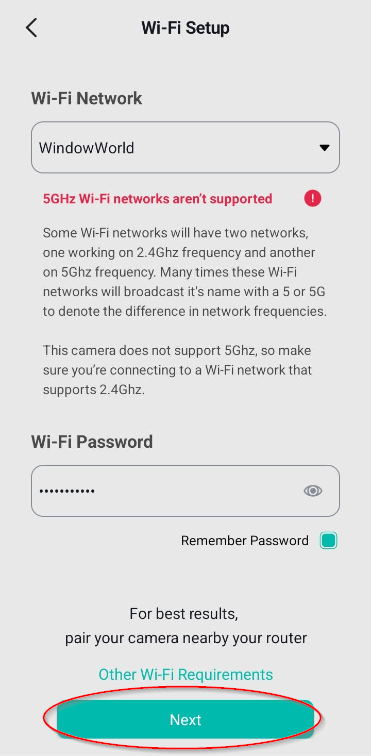
Enter the wifi password (PW: 8405Wind189) then click Next.
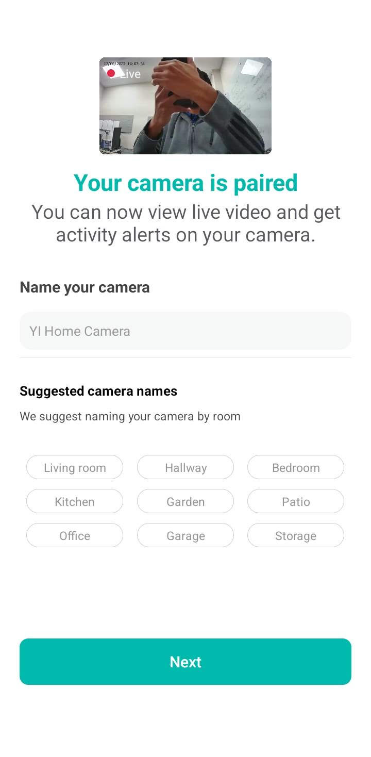
Name the camera with the 3 digit location first then the location of the camera in the building then click next.
Example: BTR Closet