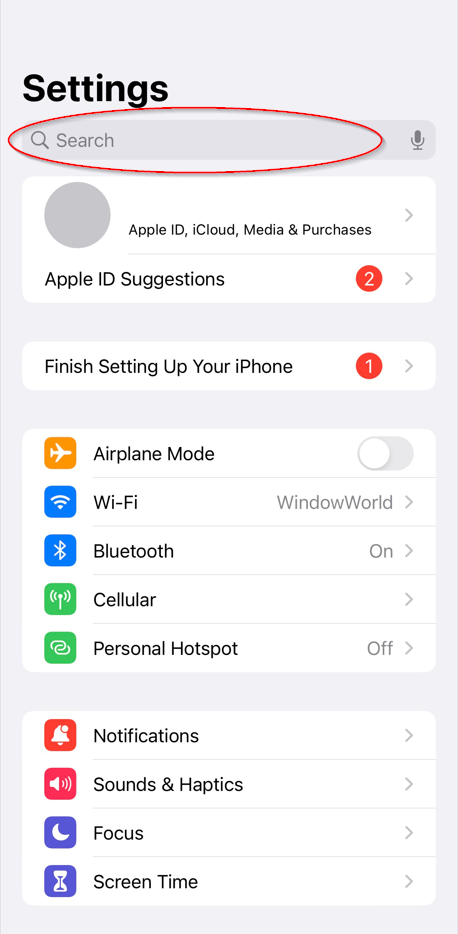
On iPhone, go to settings and at the top search location
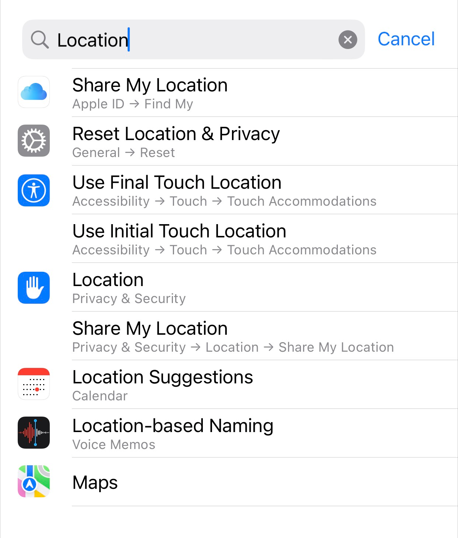
Click the location icon with the white hand and blue background
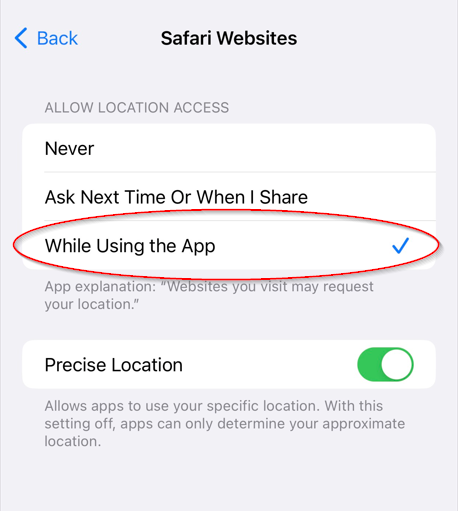
Scroll down and find Safari Websites or Chrome and click it
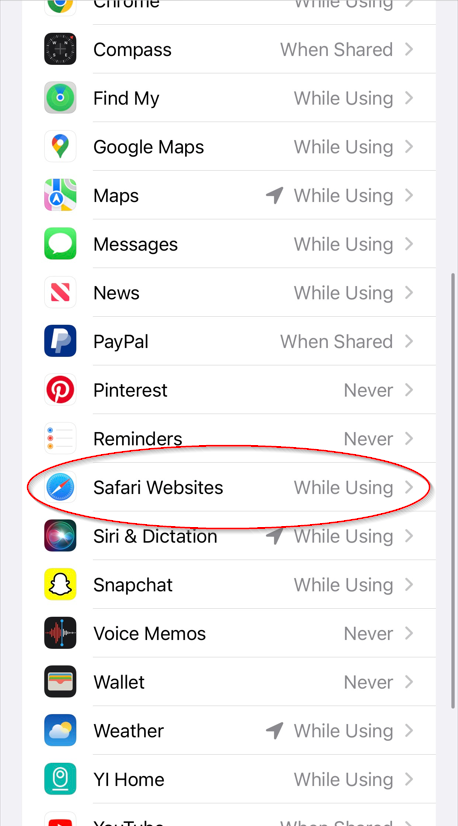
If Safari is not in the list go to google maps on safari and get directions to any location. It will prompt you for the location, then you can press allow.
Switch the location access to While Using the App
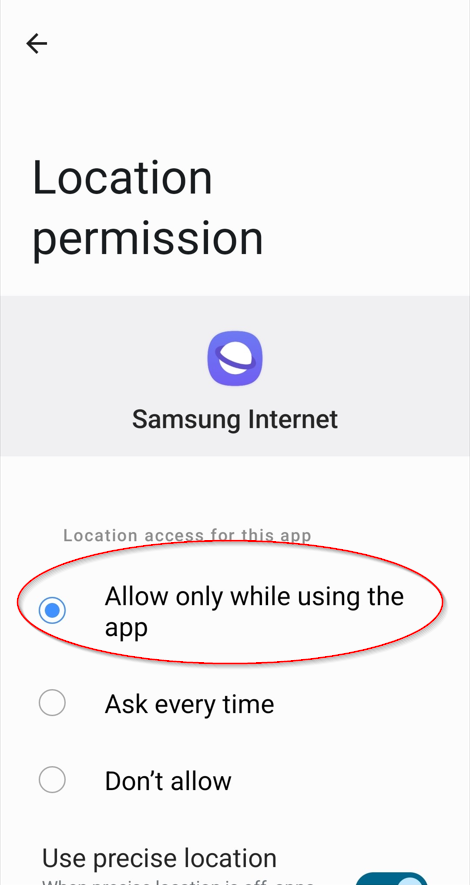
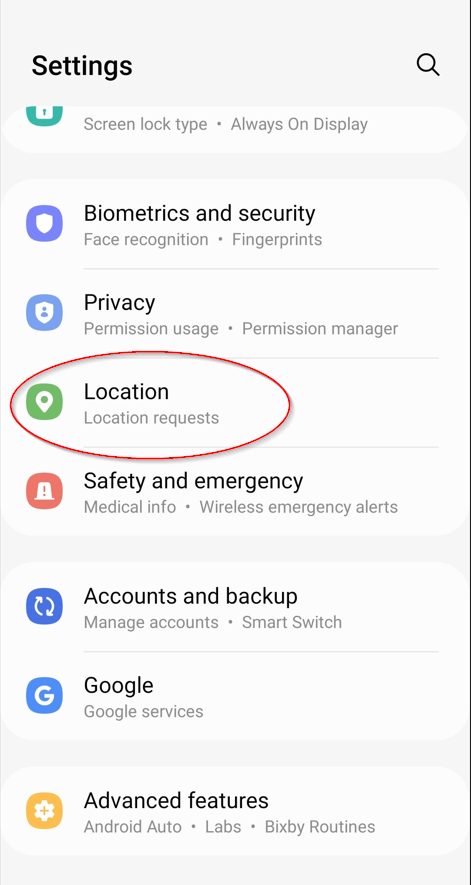
On Android go to settings and scroll down to location
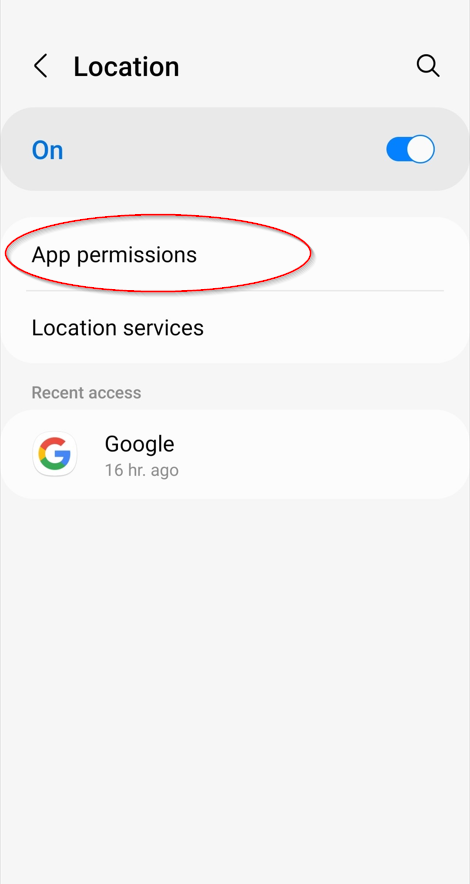
Click App permissions
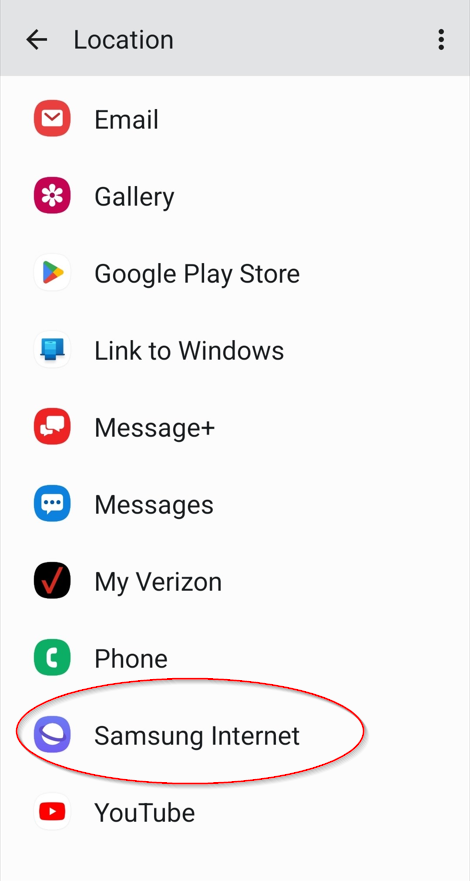
Scroll down to Samsung Internet or Chrome and click it.
Select Allow only while using the app