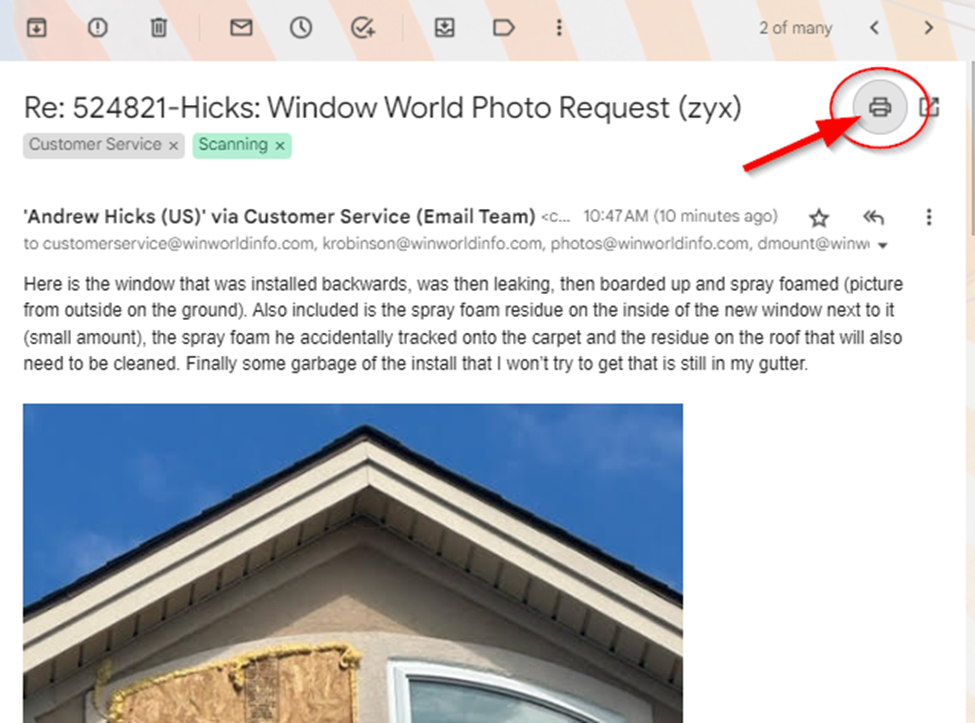
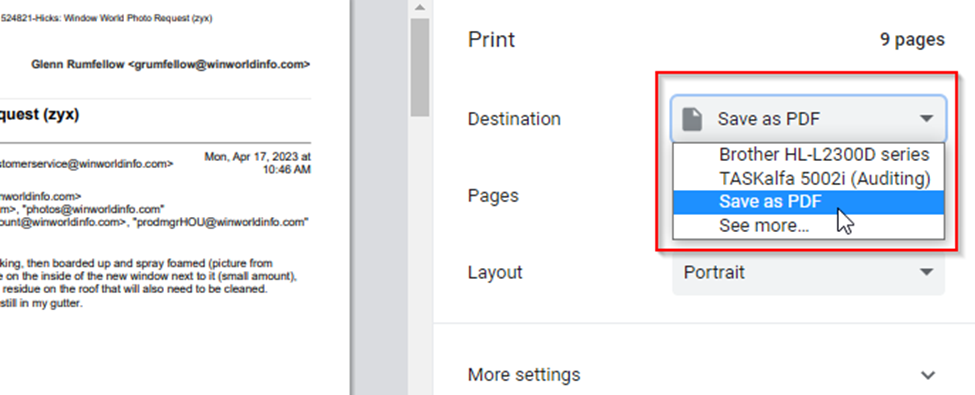
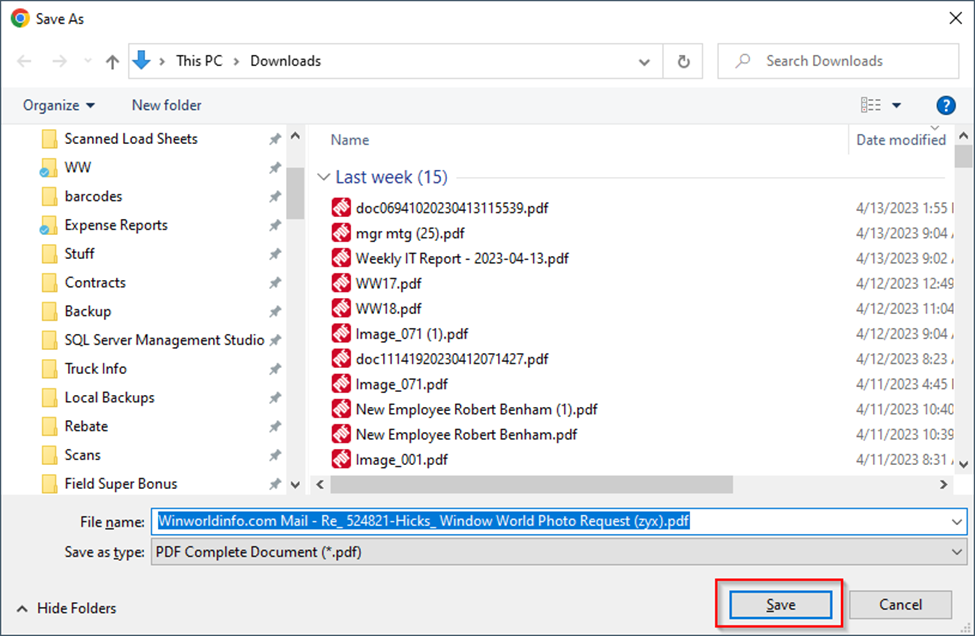
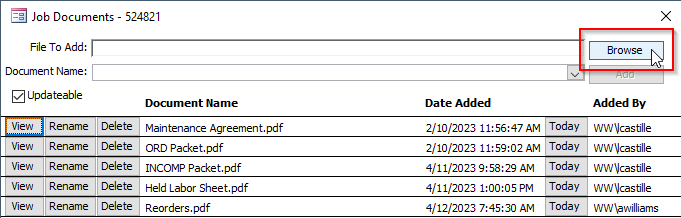
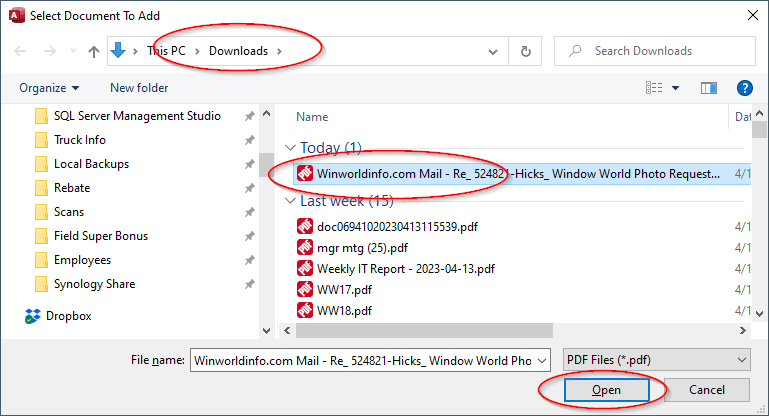
If the pictures are embedded in the body of the email, print the email to PDF and attach the PDF file:
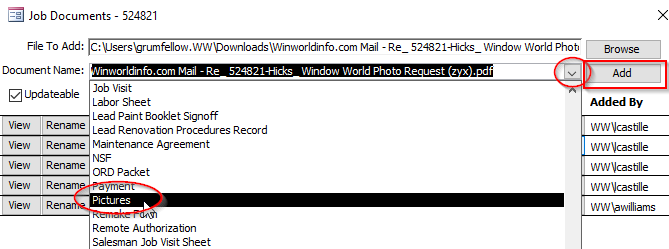
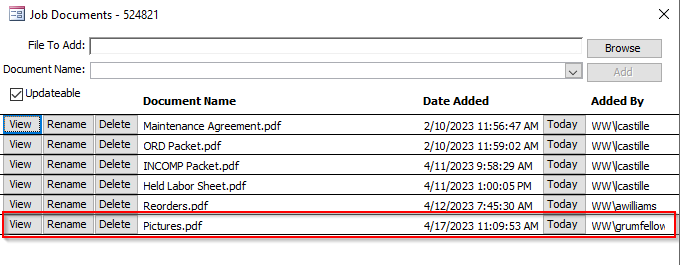
If the pictures are email attachments and it's only one or a few pictures, you can download them and save each as a document in Leads:
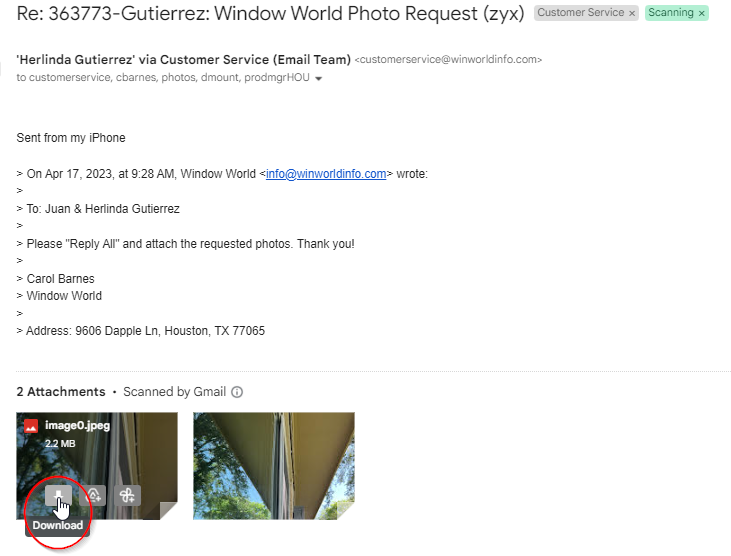
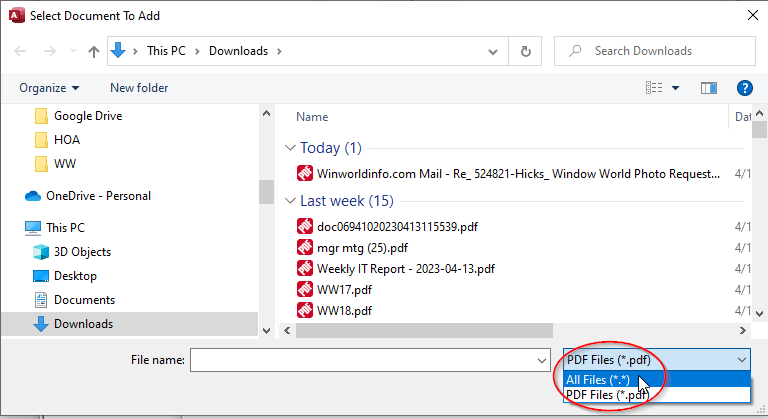
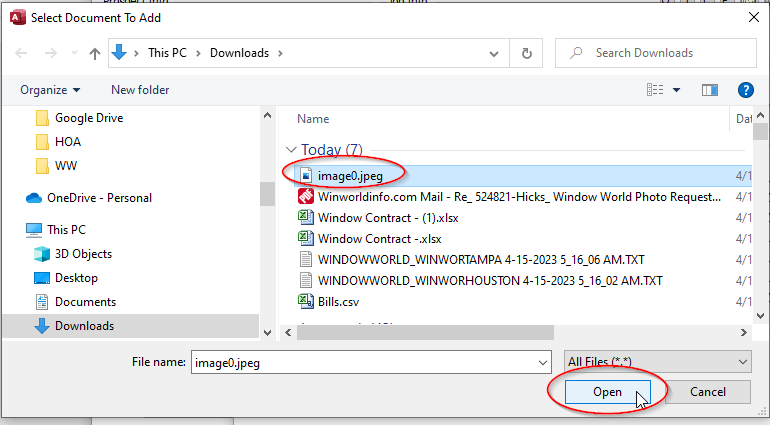
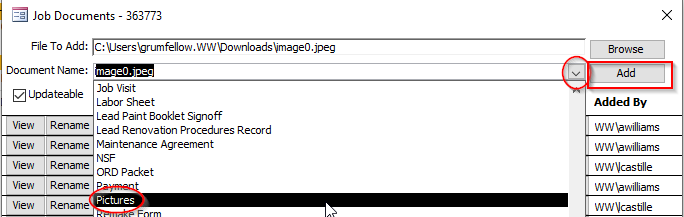
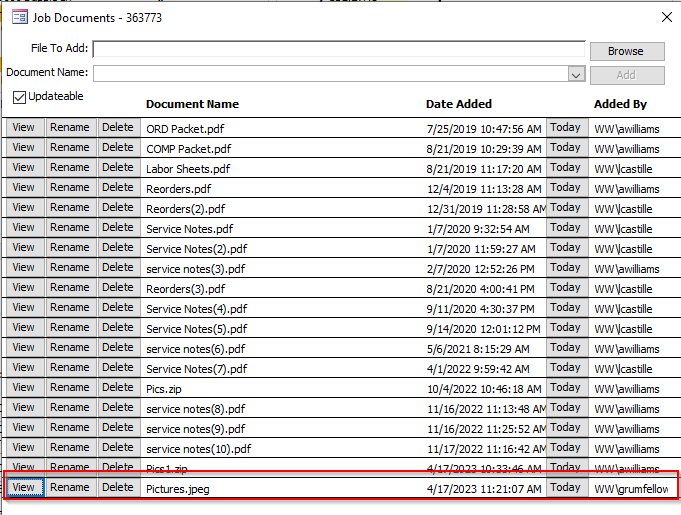
If there are a lot of pictures attached, download them all together as one zip file and attach the zip file as a document:
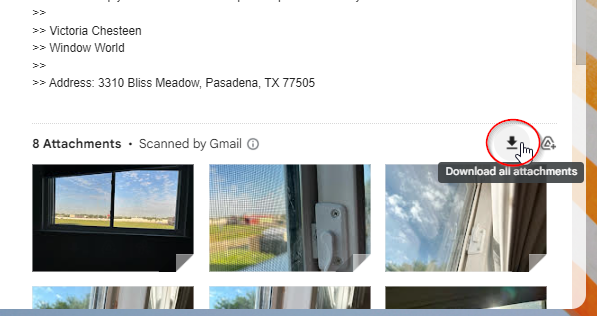
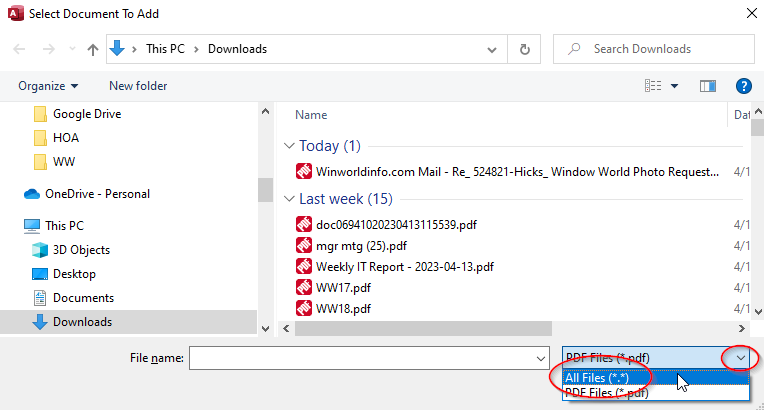
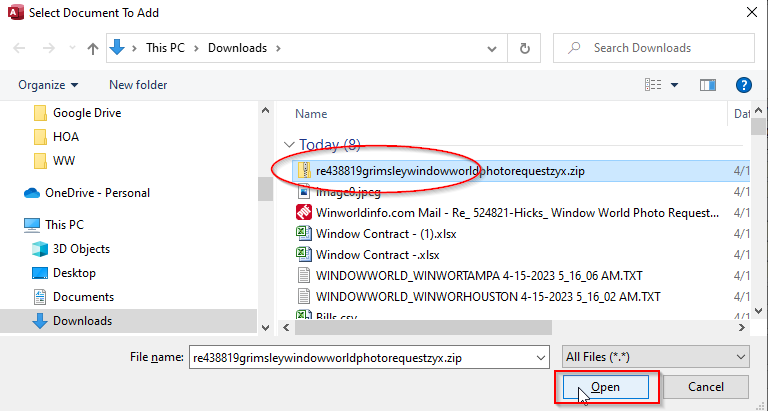
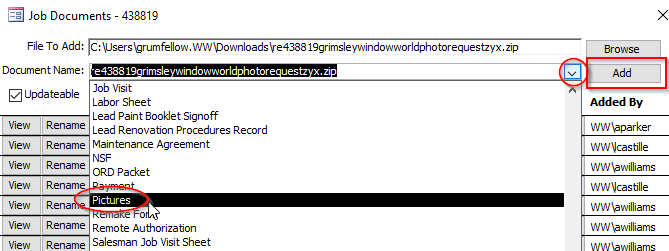

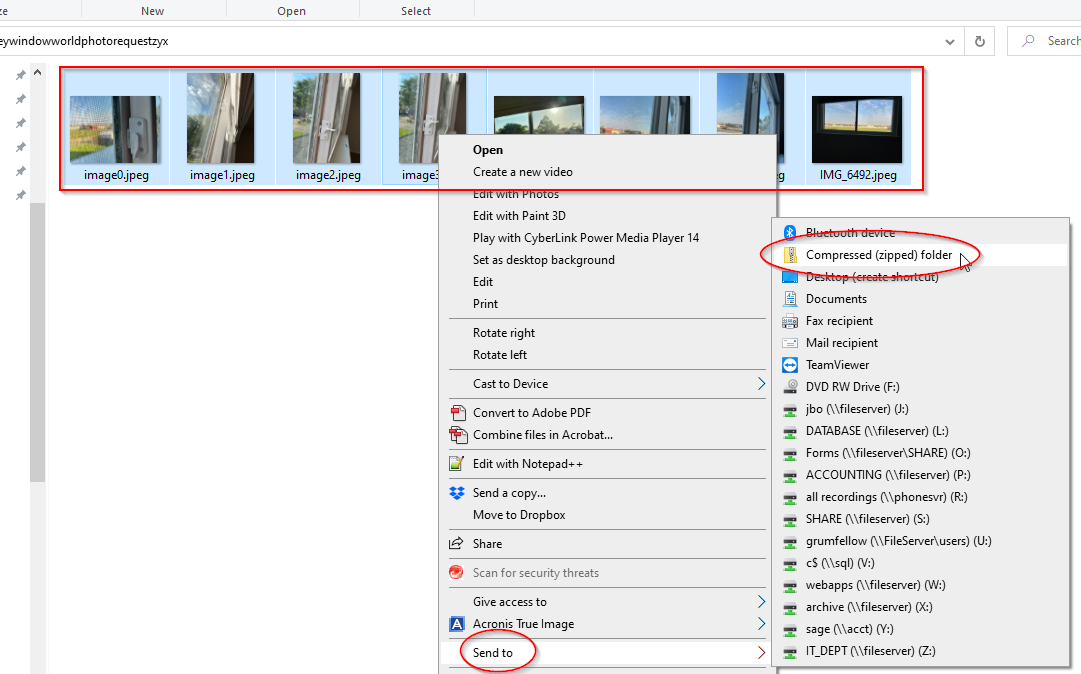
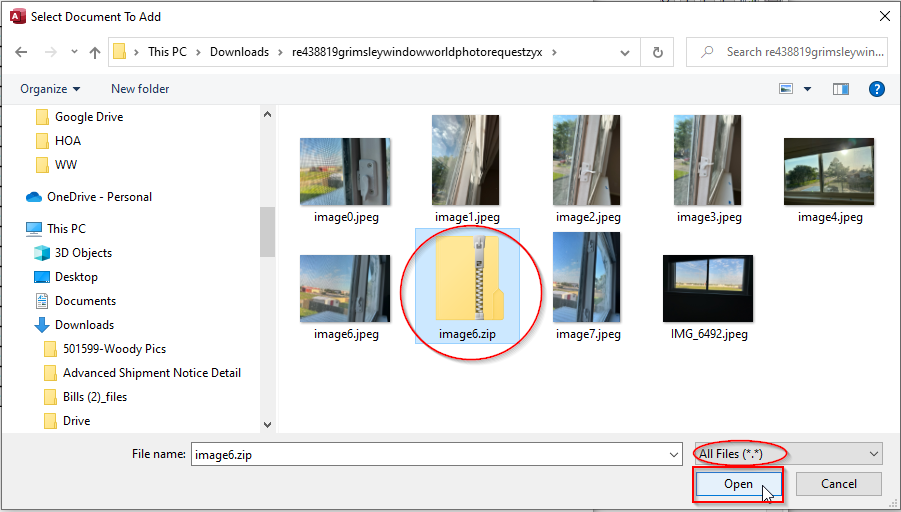
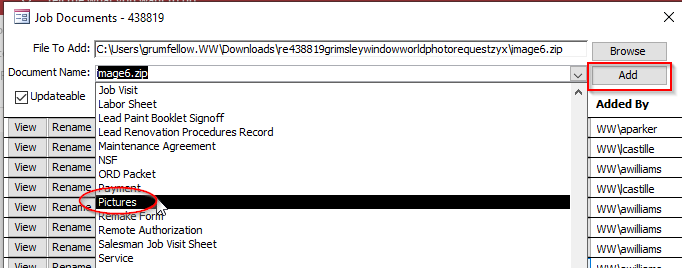
If you already have several individual pictures downloaded, maybe from multiple emails from the same customer with attached pics, create one zip file containing the pictures and attach the zip file:
Select all of the picture files, right-click on one of them, Send to > Compressed (zipped) folder