
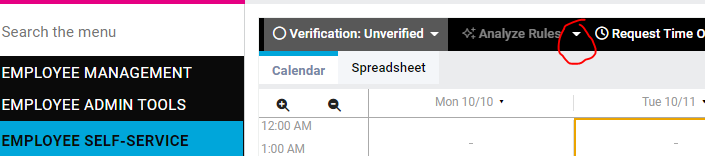
On the employee’s Time Card, click the arrow next to Analyze Rules…
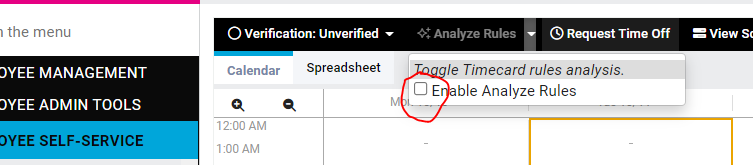
Then check the box next to “Enable Analyze Rules”…
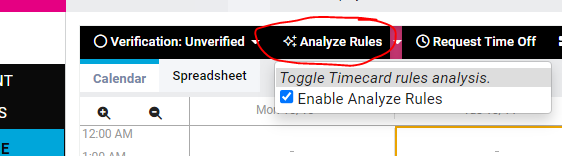
Then click the “Analyze Rules” button….
The Analyze Rules screen will pop up in a separate tab. The first section shows the employee’s punches and the Source/Location
