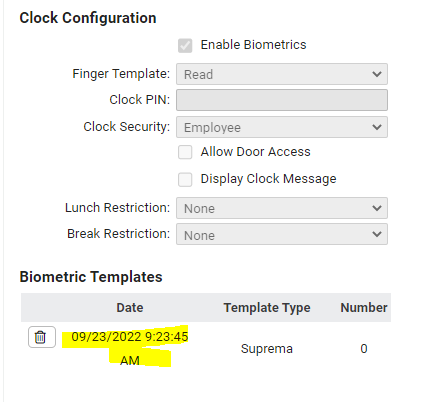
Go to Employee Management --> Employee Maintenance --> Clock Settings. If you see a time/date stamp under Biometric Templates, that means the enrollment was successful.

Modified on: Fri, 14 Jul, 2023 at 3:21 PM
Go to Employee Management --> Employee Maintenance --> Clock Settings. If you see a time/date stamp under Biometric Templates, that means the enrollment was successful.
Did you find it helpful? Yes No
Send feedback