How to Make Your PC Automatically Power Back Up After a Power Glitch
Print
Created by: Glenn Rumfellow
Modified on: Thu, 8 Feb, 2024 at 3:28 PM
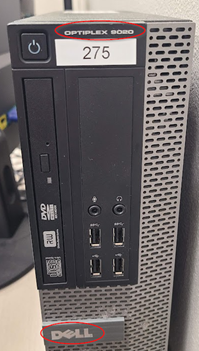
If you have a Dell Optiplex 9020 PC:
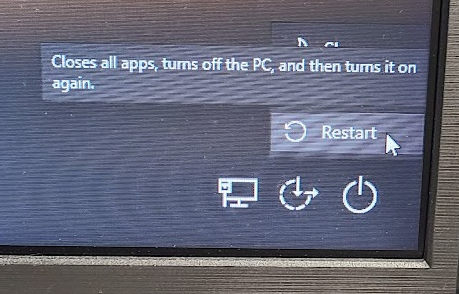
- Go to restart your PC
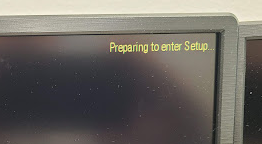
- After the screen goes black and displays the Dell symbol on the main screen, start pressing the F2 key, which will go into the settings for the PC
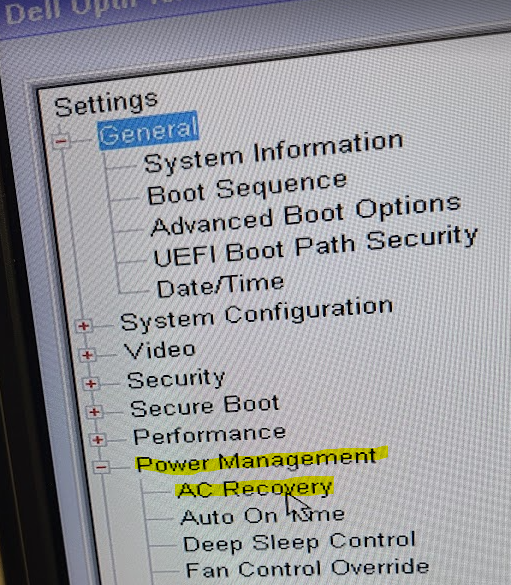
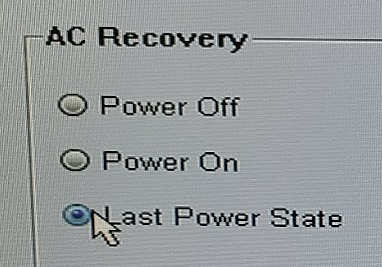
- Settings + Power Management + AC Recovery
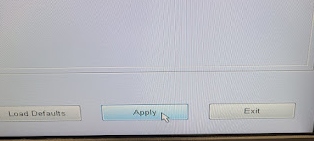
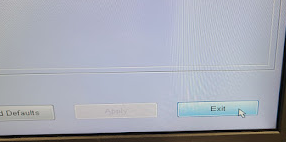
- Select Last Power State, then click Apply, then Exit

Glenn is the author of this solution article.
Did you find it helpful?
Yes
No
Send feedback Sorry we couldn't be helpful. Help us improve this article with your feedback.