
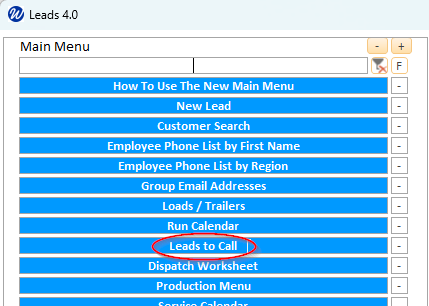
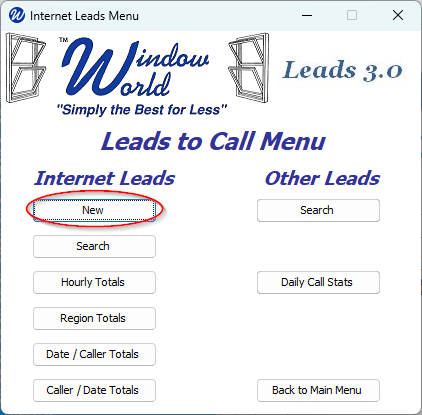
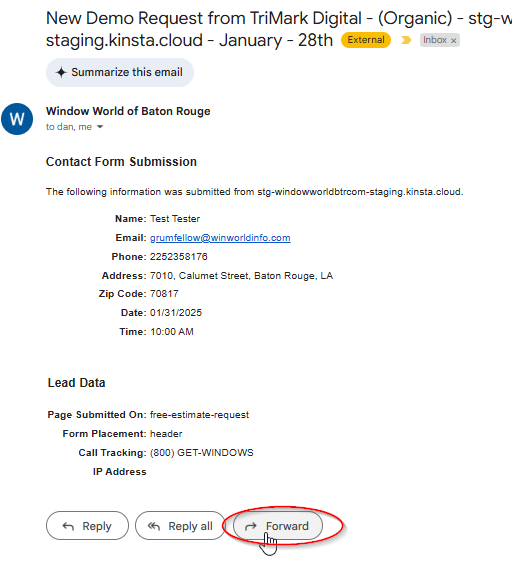
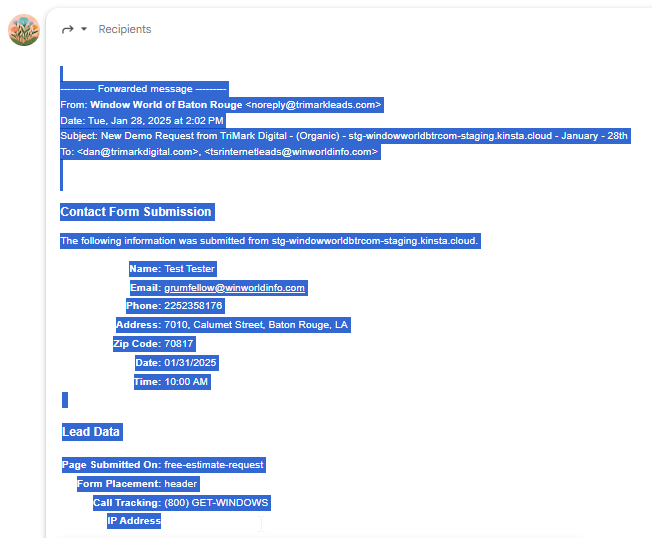
Ctrl+A to select all contents of forwarded email, then Ctrl+C to copy it:
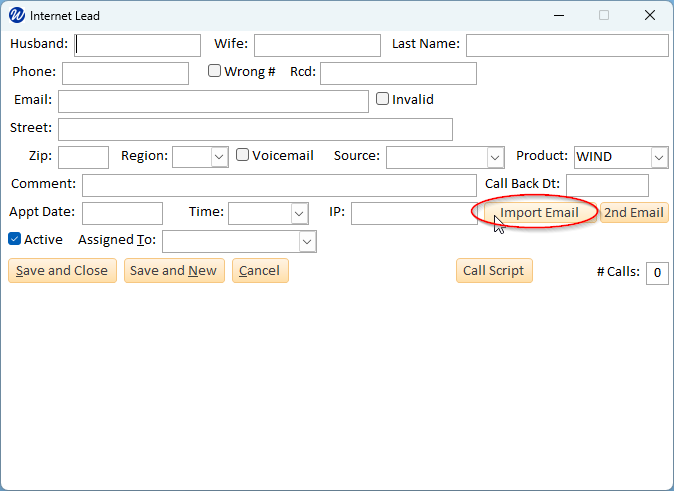
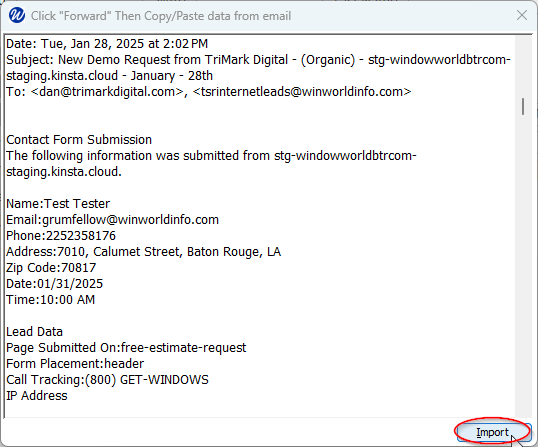
In Leads app, Ctrl+V to paste into the import screen, then click the Import button:
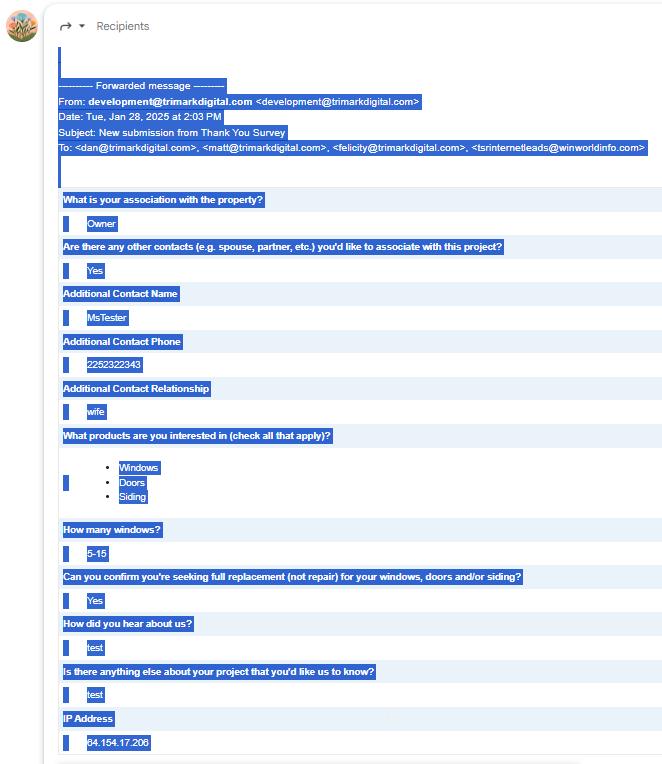
If there is a second email with the subject "New submission from Thank You Survey", do the same process to forward it, select the text (Ctrl+A), and copy it (Ctrl+C):
In Leads, click the "2nd Email" button:
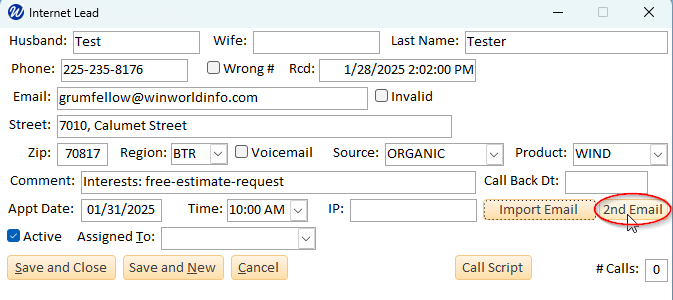
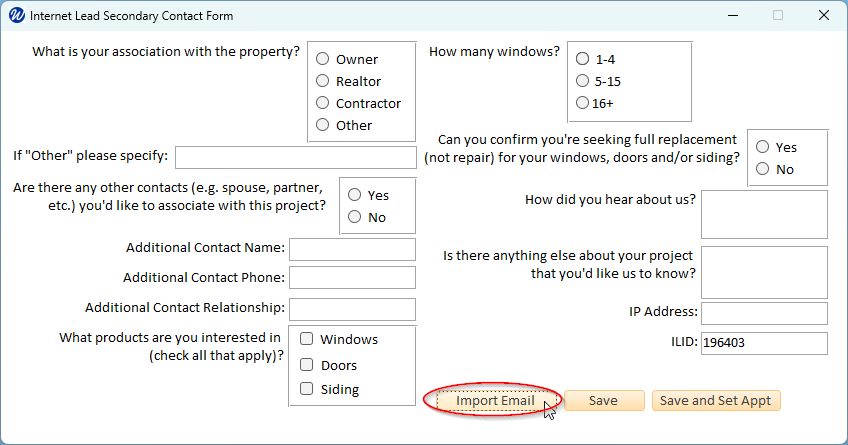
Click "Import Email" button:
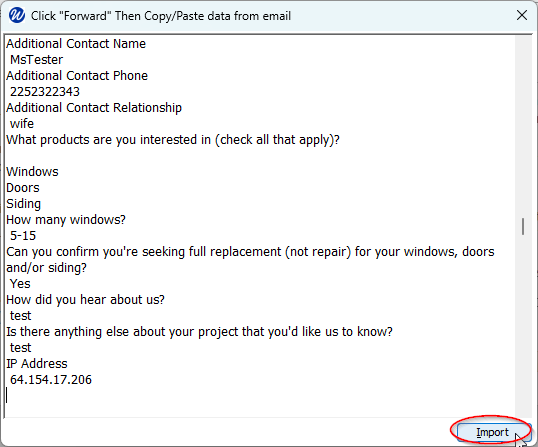
Paste (Ctrl+V) text from the second email and click the "Import" button:
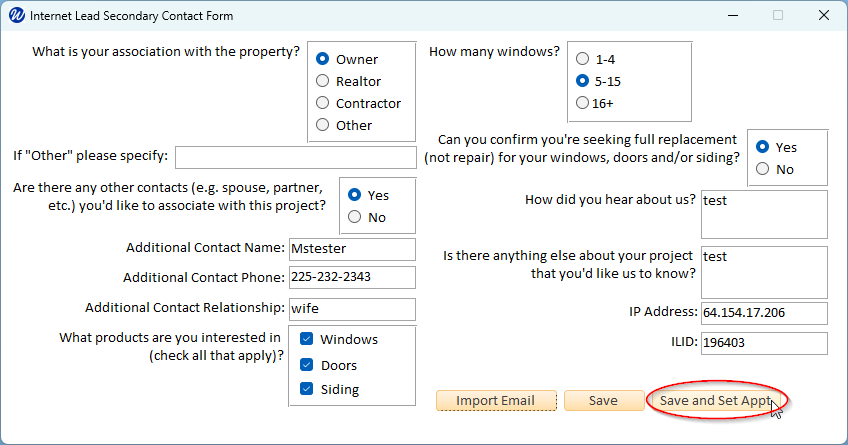
Click the "Save and Set Appt" button:
Map the lead, copying and pasting the updated address from Google Maps, then click the "Save" button.