
TABLE OF CONTENTS
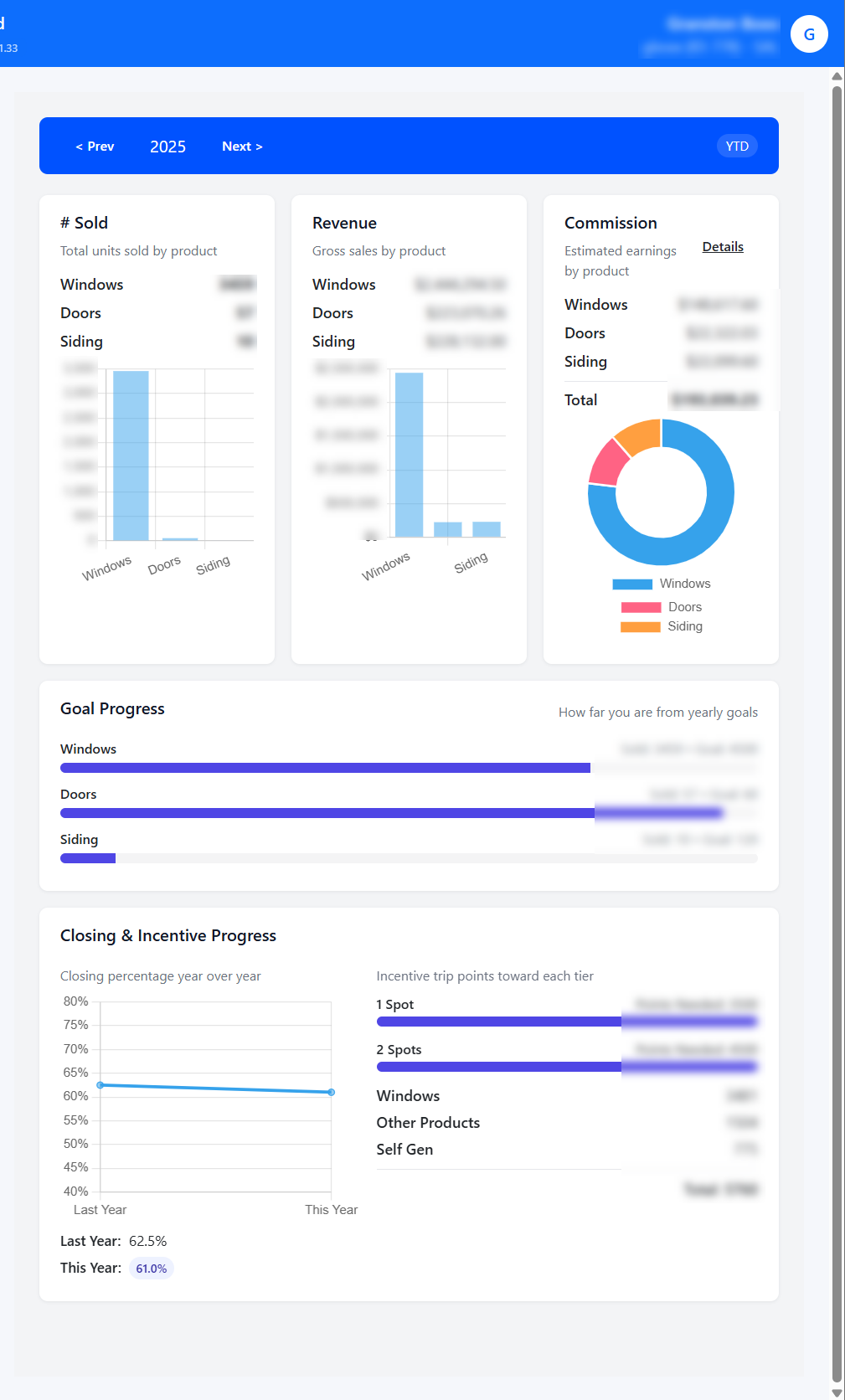
On the My Stats page, you can review yearly statistics:
Navigation:
You can review year by year statistics by using the navigation menu on the top left hand corner:
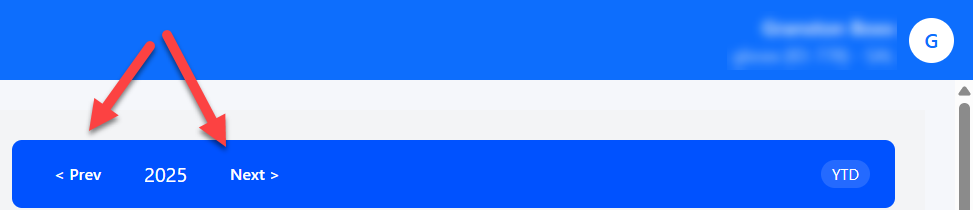
Additionally, you can click within the year and type in the desired year:

Note that you can only review data in the current year and previous years.
If you enter an invalid year:
- Anything less than 1950 will default to 1950
- Anything above the current year will default to the current year
Statistics:
The following statistics are shown:
- Sold
- Windows sold
- Doors sold
- Siding sold
- Revenue
- Total amount sold for windows
- Total amount sold for doors
- Total amount sold for siding
- Commission earned
- Commission on windows
- Commission on doors
- Commission on siding
- Goal Progress
- Shows you the progress for each of the goals set to the windows, door, and siding
- Closing & Incentive Progress
- Shows this years vs last years progress.
- Shows the the spots for the incentive trips
Commission:
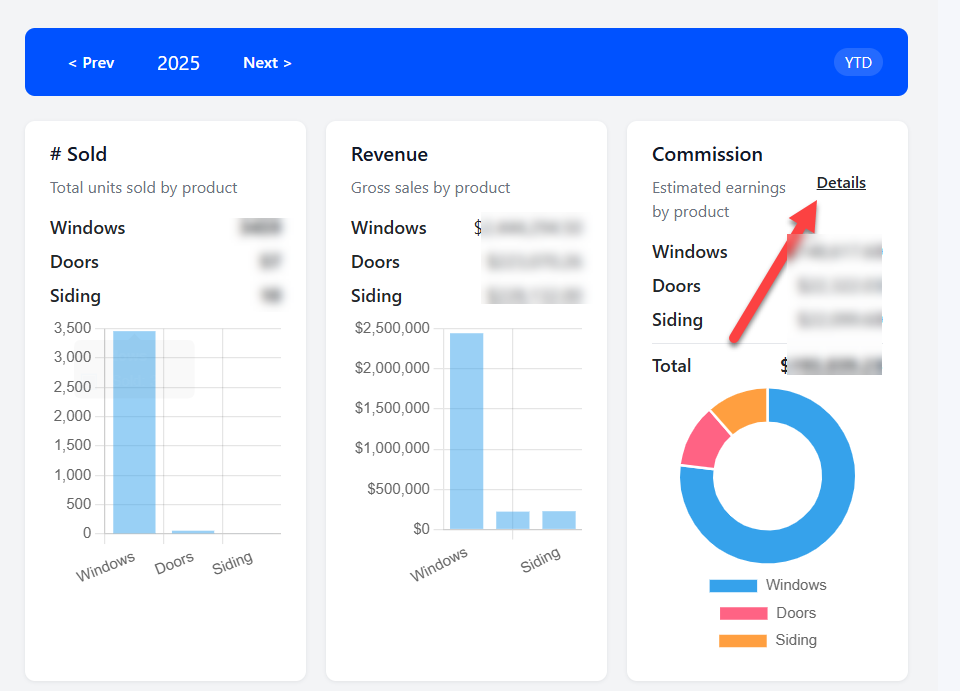
You can see the estimated earnings by product by click on the Details link under the commissions:
This will take you to the Pending Commisions:
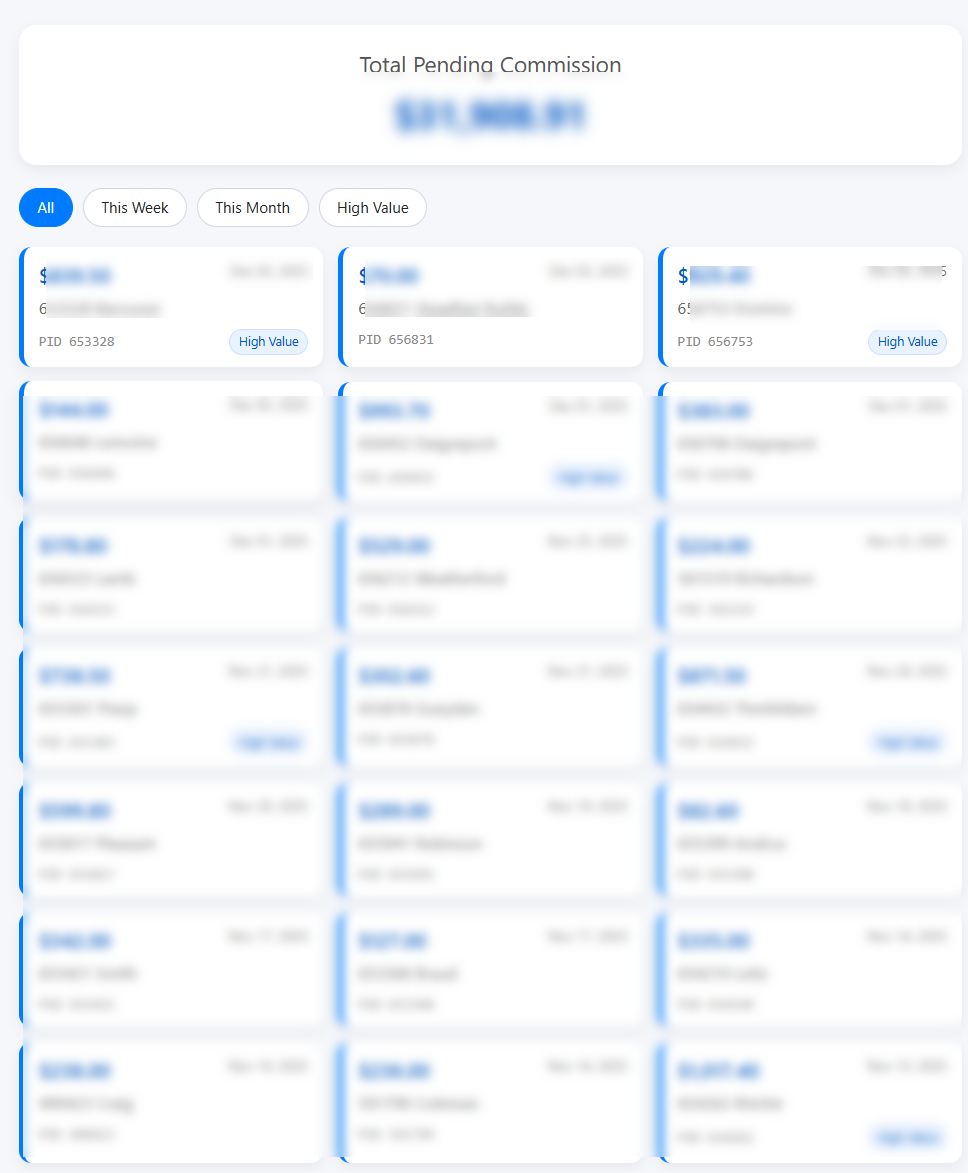
This will show you a list of pending commissions of sales. If you click on any record, it will take you to the Customer Information page.