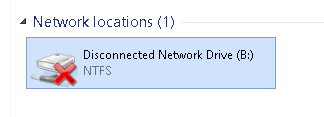
This is due to your share drive not being mapped.
To solve this opening file explorer

On the left, click This PC
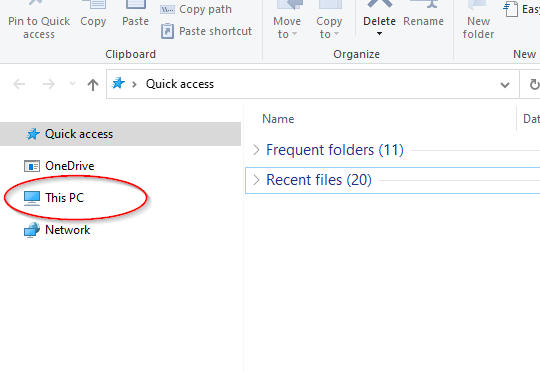 Network Locations you should see all the network drives that you have access to. If you don't see any network drives such as SHARE or DATABASE there follow these instructions.
For any drive that looks like the below image, double click and open the drive. This should make the drive icon turn green and will then be mapped.