
TABLE OF CONTENTS
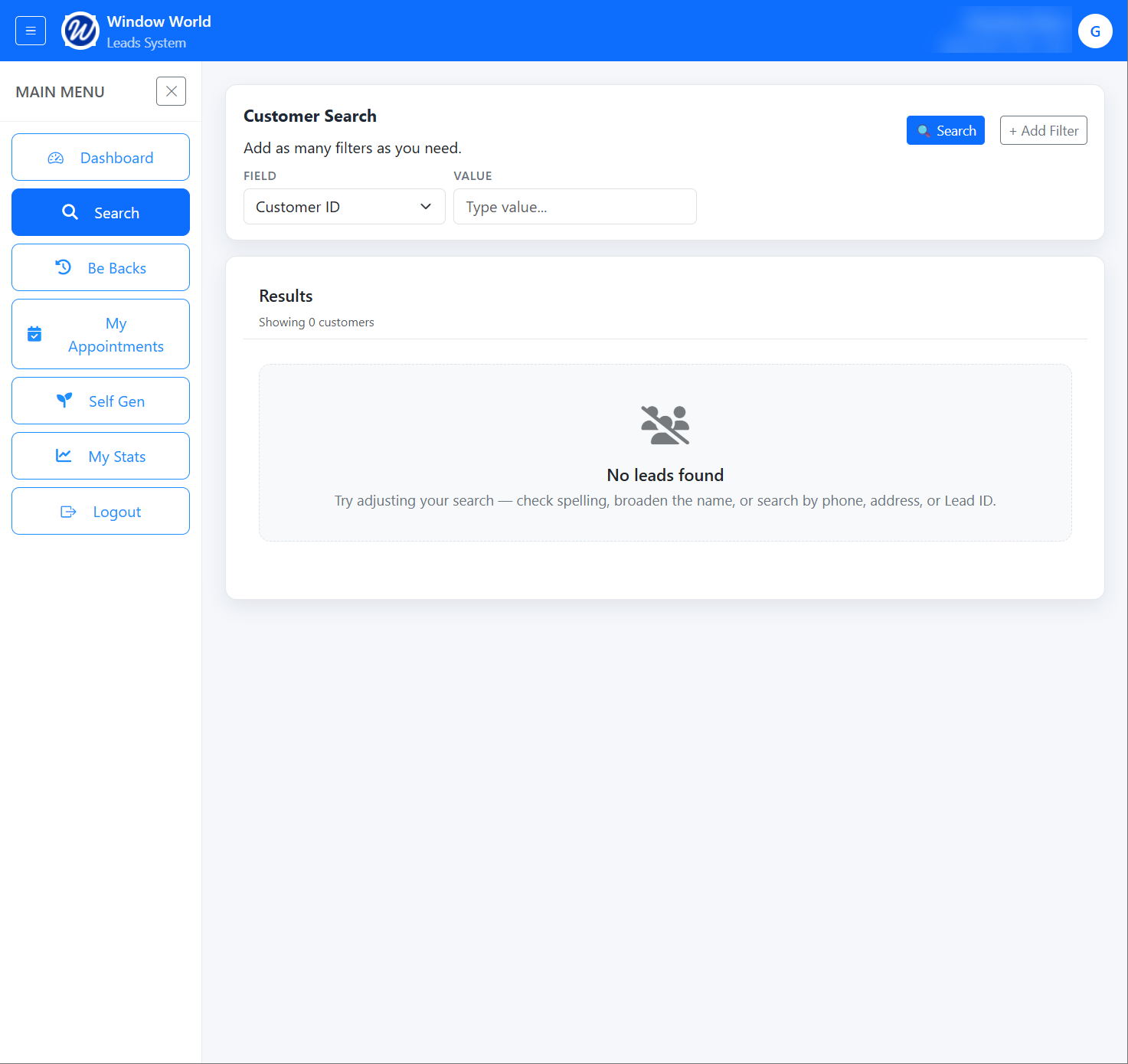
Results:
On the Search screen, you can select a field from the dropdown to search for a specific value.
If no value is entered, the search will default to returning all records available to you.
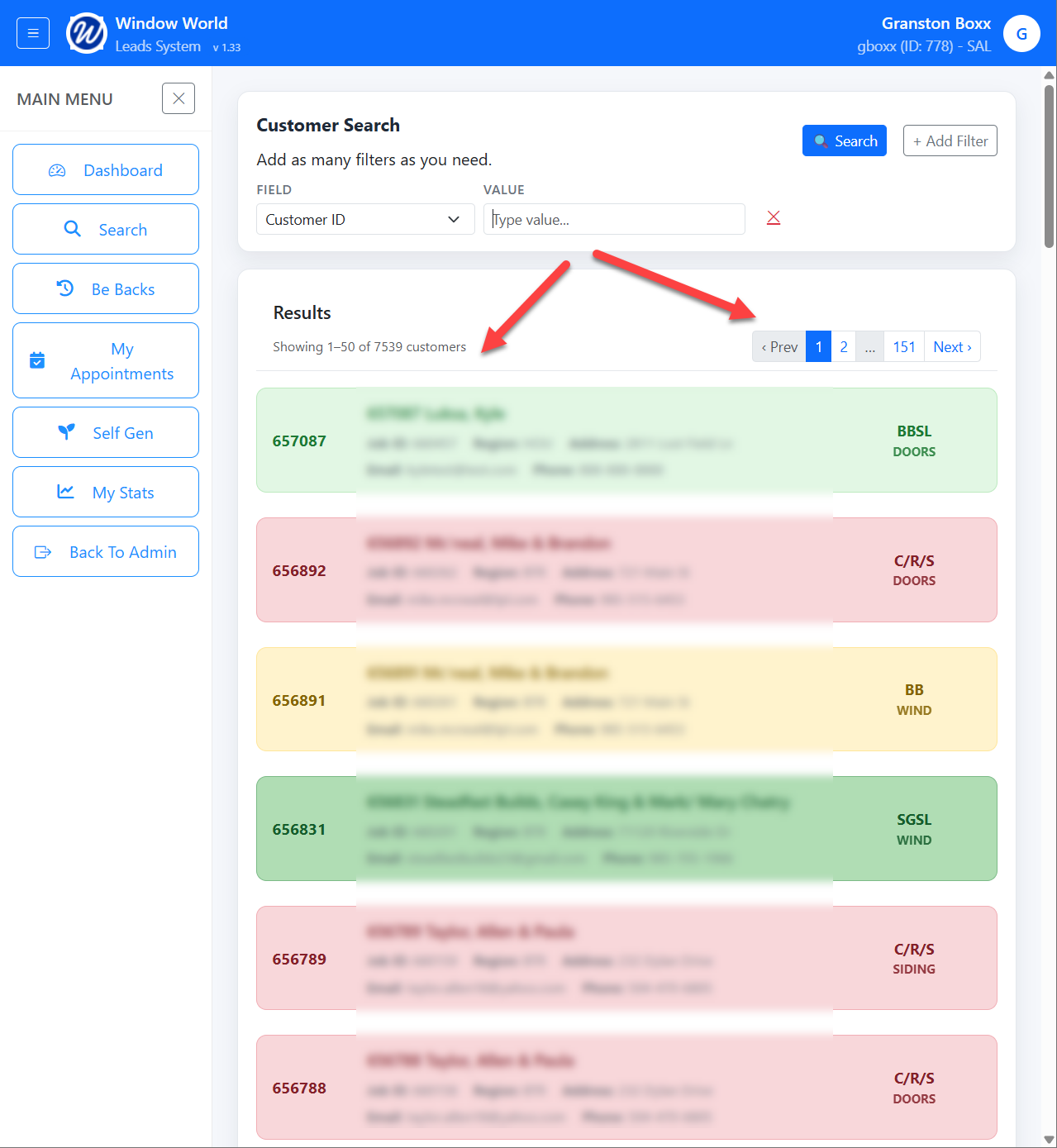
Note that each record will be color coded based on the Result Code.
The Search results are paginated and display up to 50 leads per page. You can navigate between pages using the pagination controls in the top-right corner.
Additional Search Criteria:
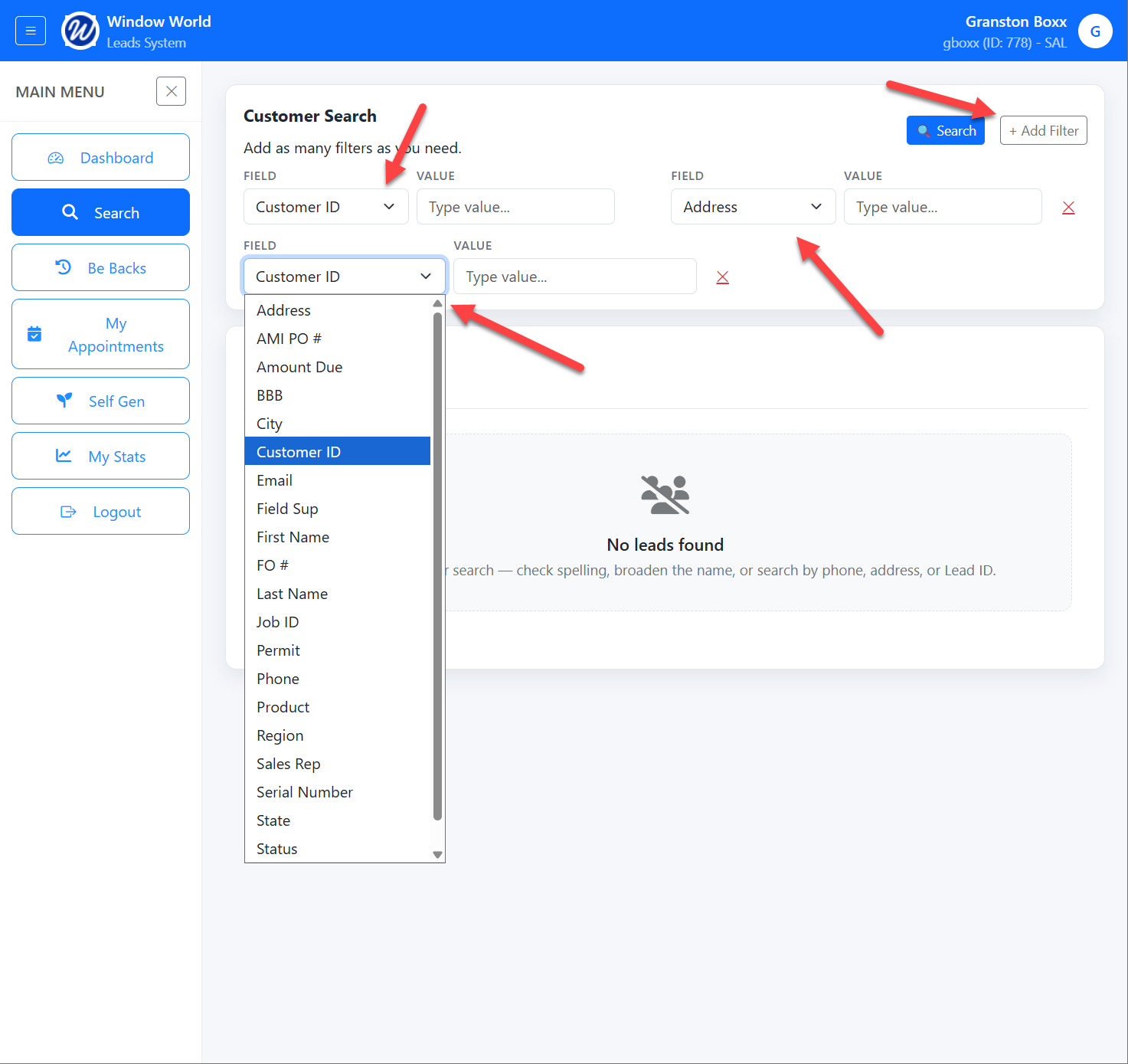
Click + Add Filter to include additional search criteria. Each filter lets you select a field and value.
Use the red X to remove a filter.

Lead Records:
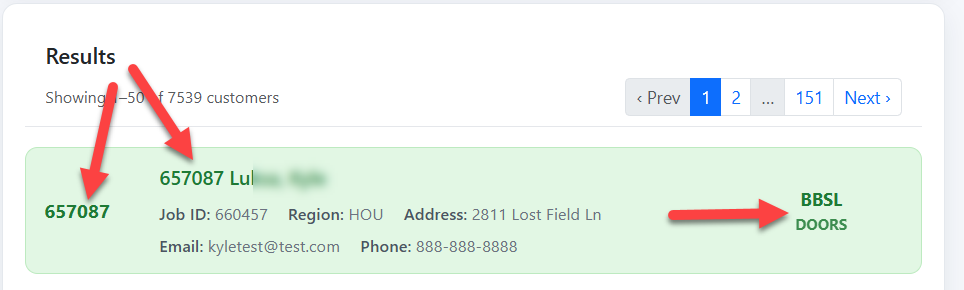
Each result provides a quick overview of the lead, including:
Customer ID
Name
Job ID
Region
Address
Email
Phone
Result Code
Product
Clicking on a record will take you to the Customer Information page.