
TABLE OF CONTENTS
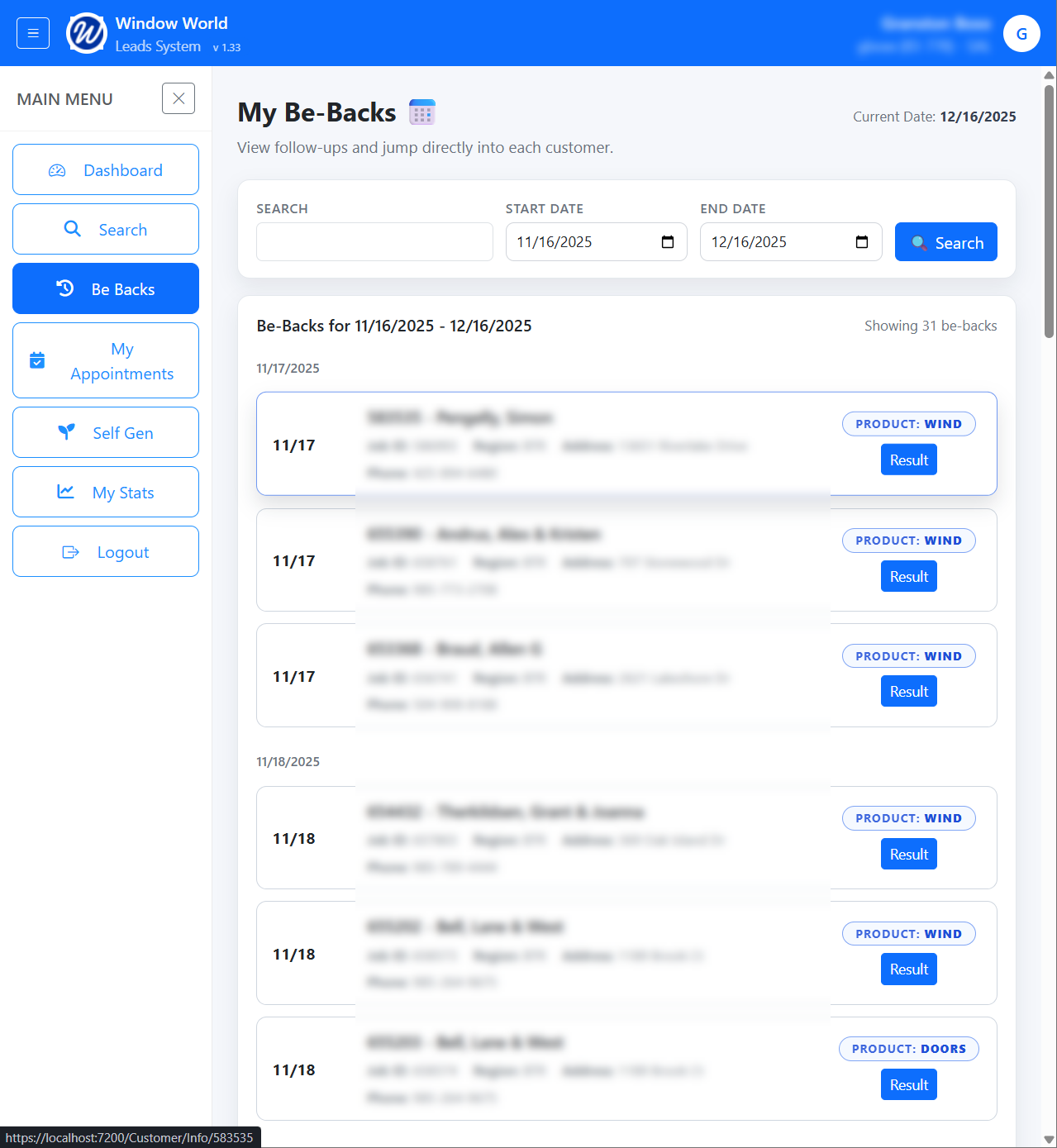
On the Be Backs page, the search automatically defaults to showing Be Backs from the past month.
You can adjust this range by updating the date filters. Additionally, you can search for a specific customer by name.

Results:
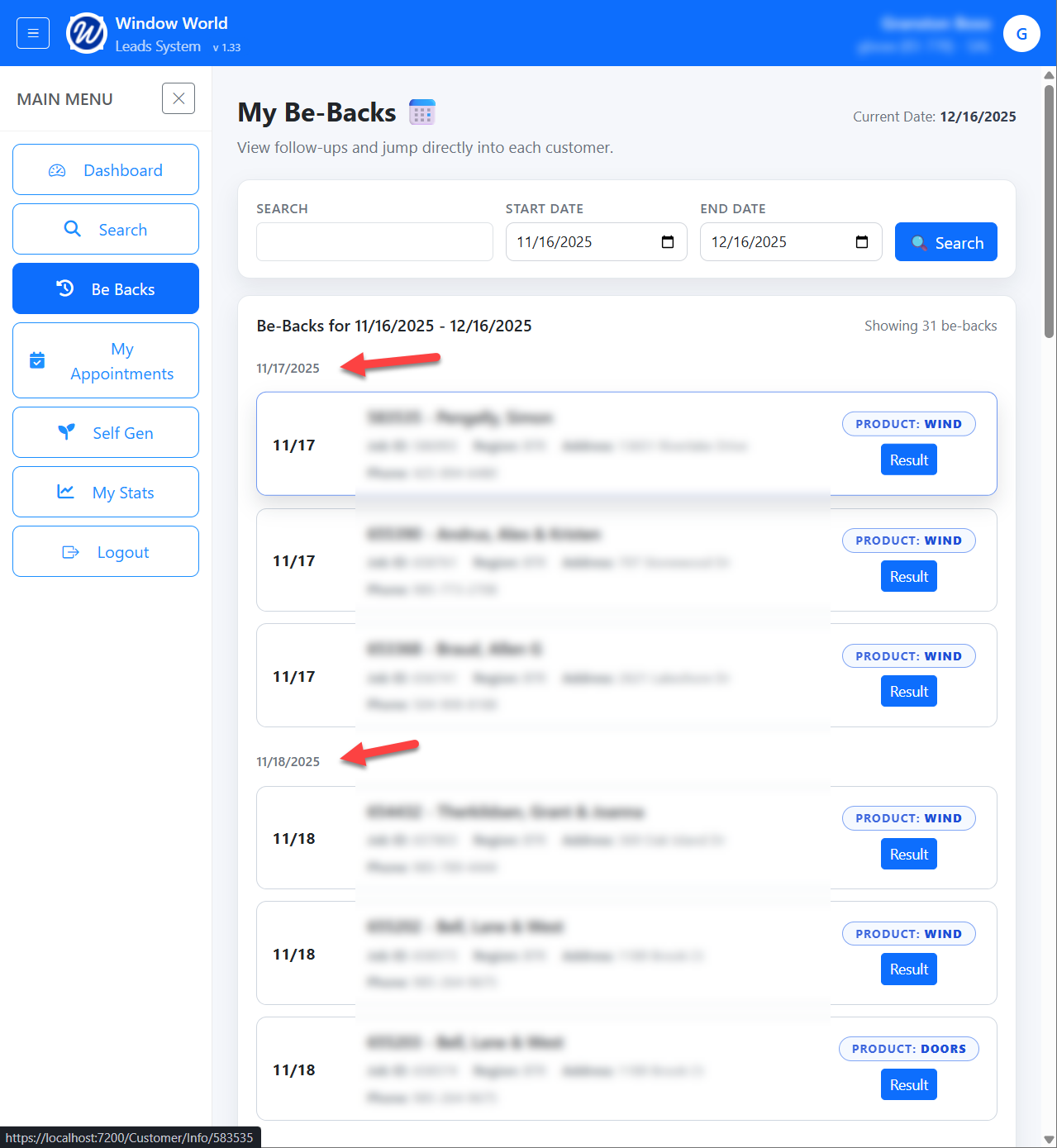
The results are grouped by day and each result provides the date of the Be-Back as well as:
Customer ID
Name
Job ID
Region
Address
Email
Phone
Product
Clicking on a record will take you to the Customer Information page.
Result Button:
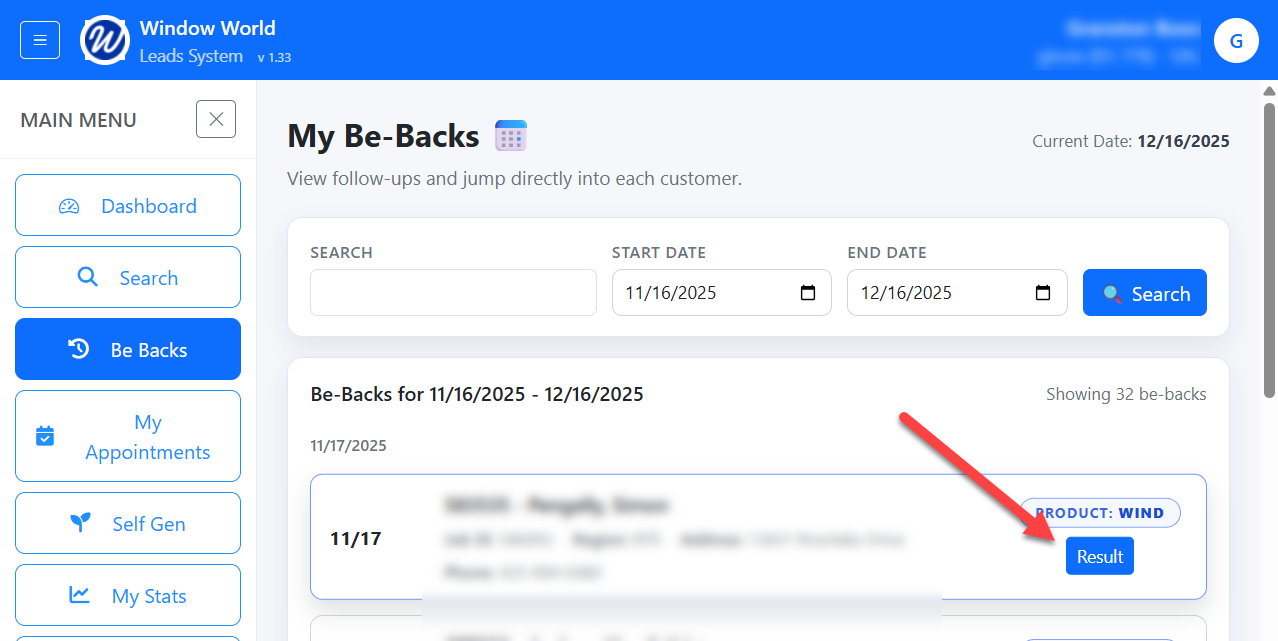
By clicking on the Result button, you are able to update the result of the appointment:
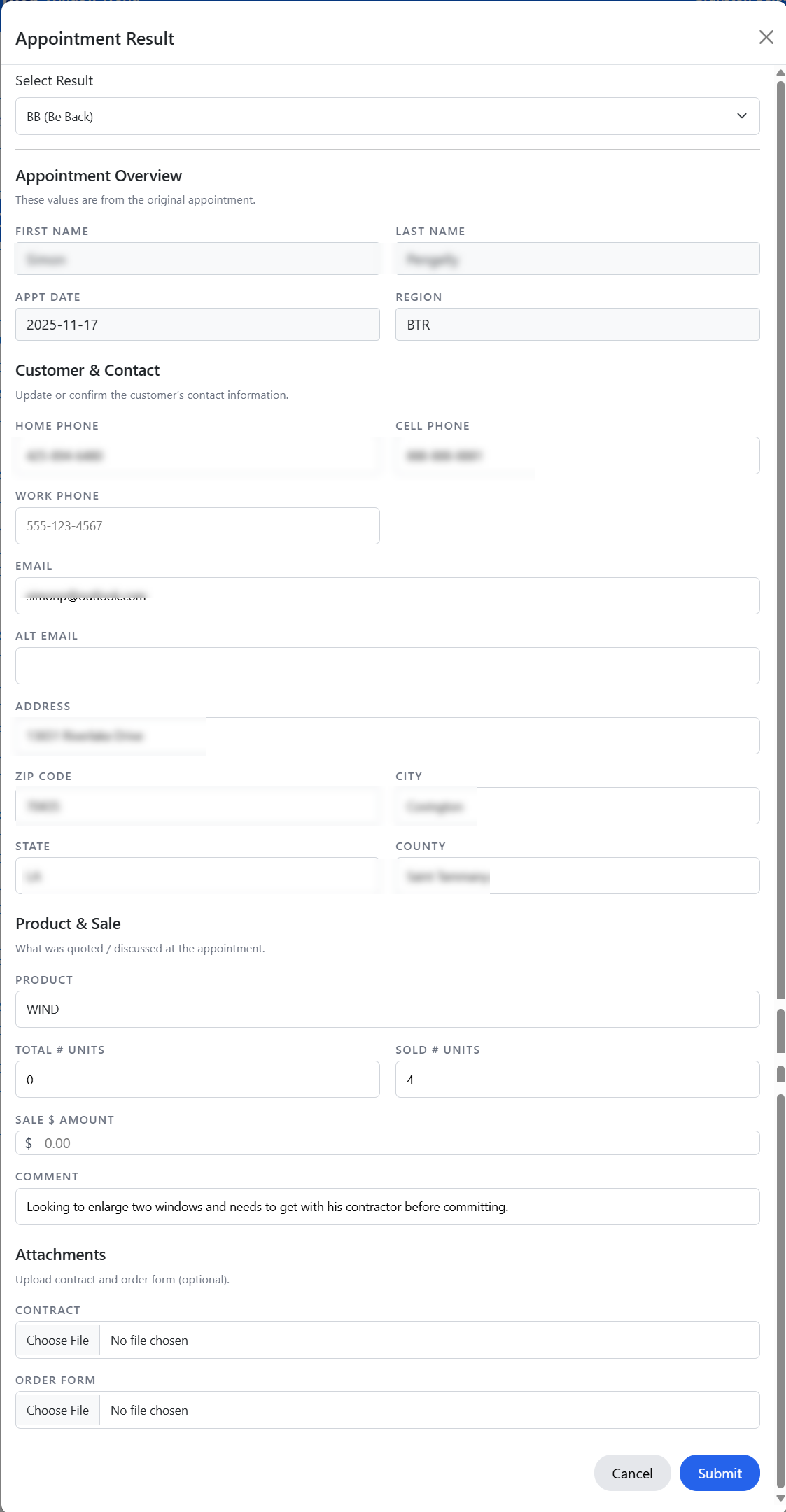
You can adjust the following:
- Result Type
- Customer Contact information:
- Home Phone
- Cell Phone
- Work Phone
- Alt Email
- Address
- Zip Code
- City
- State
- County
- Product
- Product Type
- Total # of Units
- Sold # Units
- Sale $ Amount
- Attachments
- Contract
- Order Form